Help and how-to videos
Each guide is a short video of the real app that shows exactly where to tap, with the steps written out beside it.
Getting started
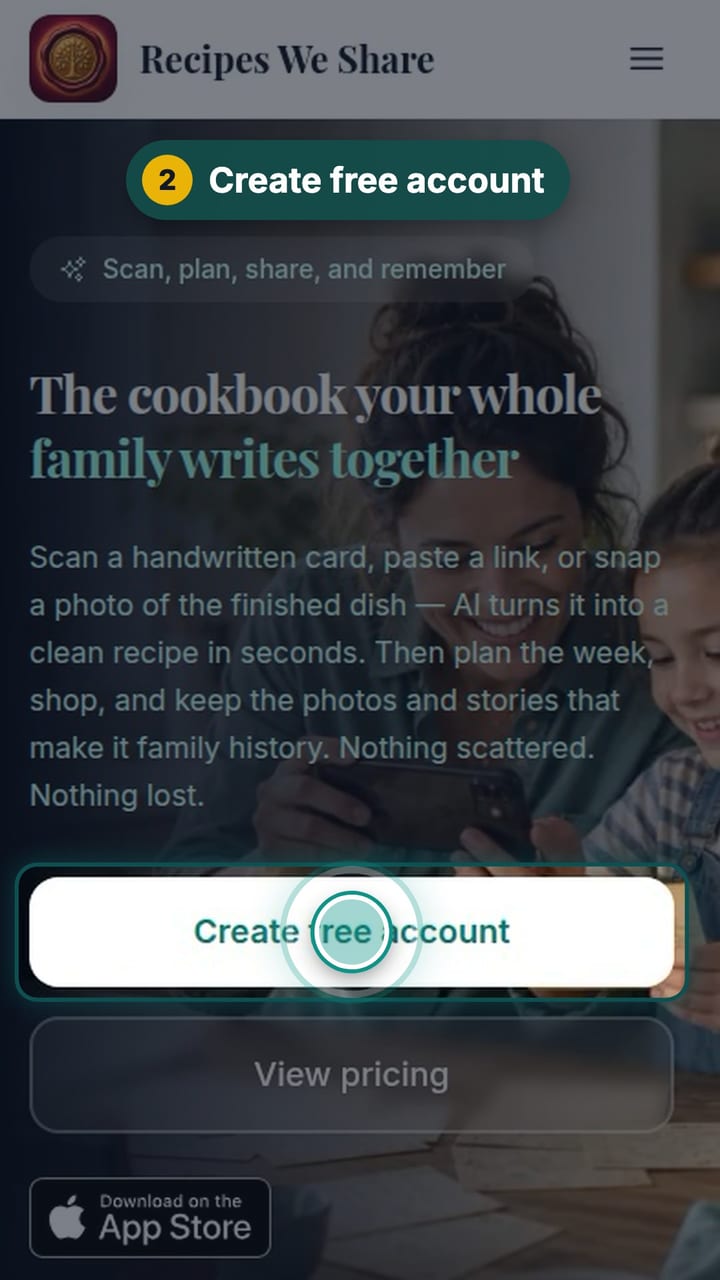
Getting recipes in
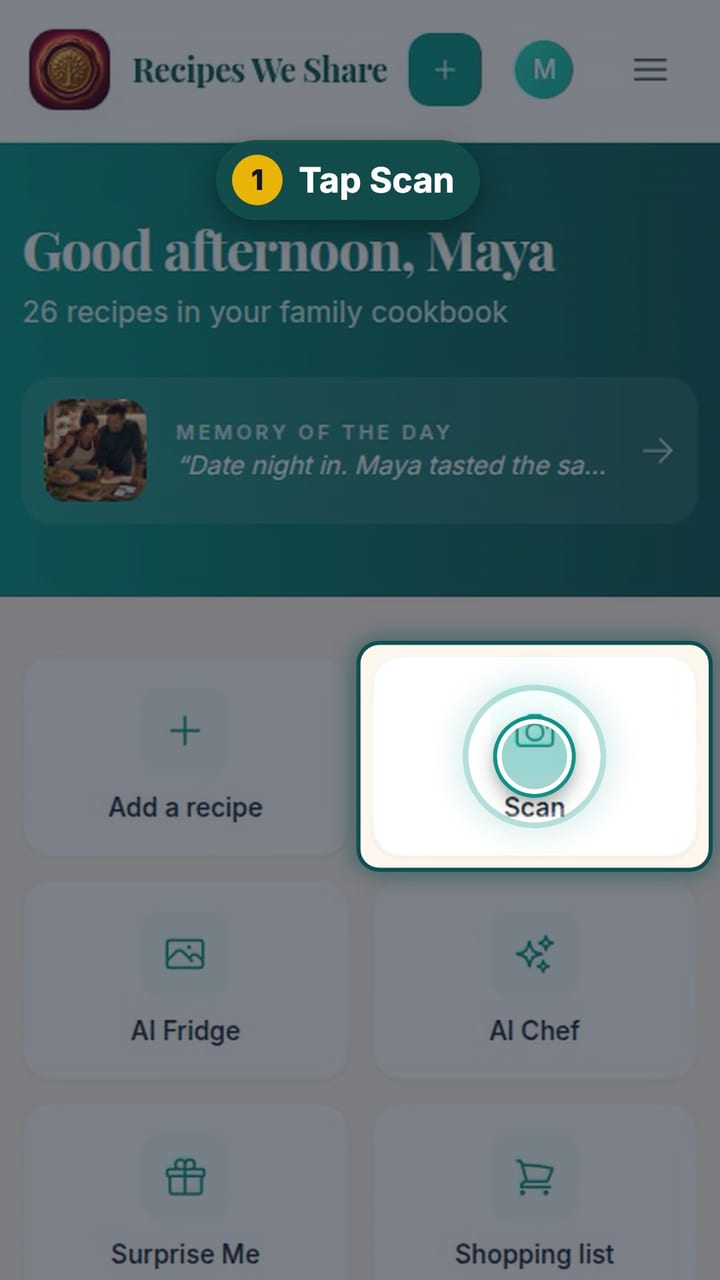
Scan a handwritten recipe card
Photograph Nonna’s handwritten card and it becomes a typed recipe with ingredients and steps, credited to her and shared with the family.
11 steps · 56 sec
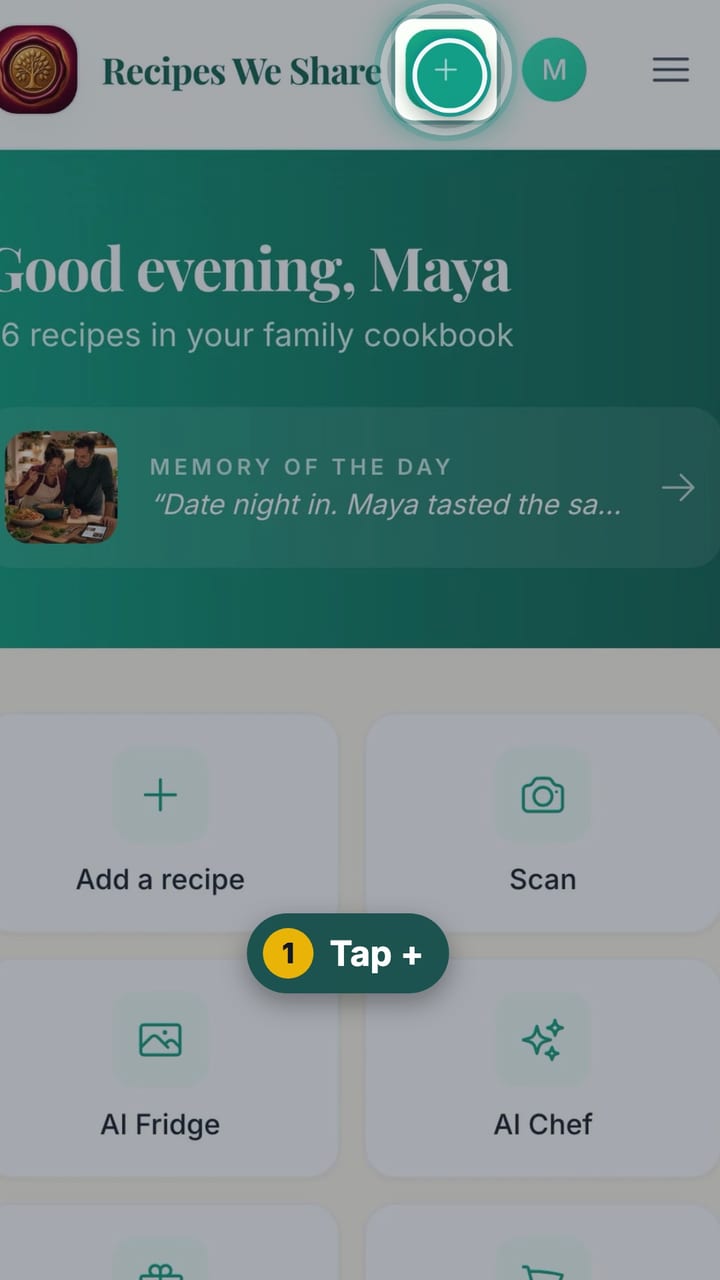
Save a recipe from TikTok
Paste a TikTok link and the recipe in the video’s description becomes an editable recipe in your cookbook.
11 steps · 51 sec
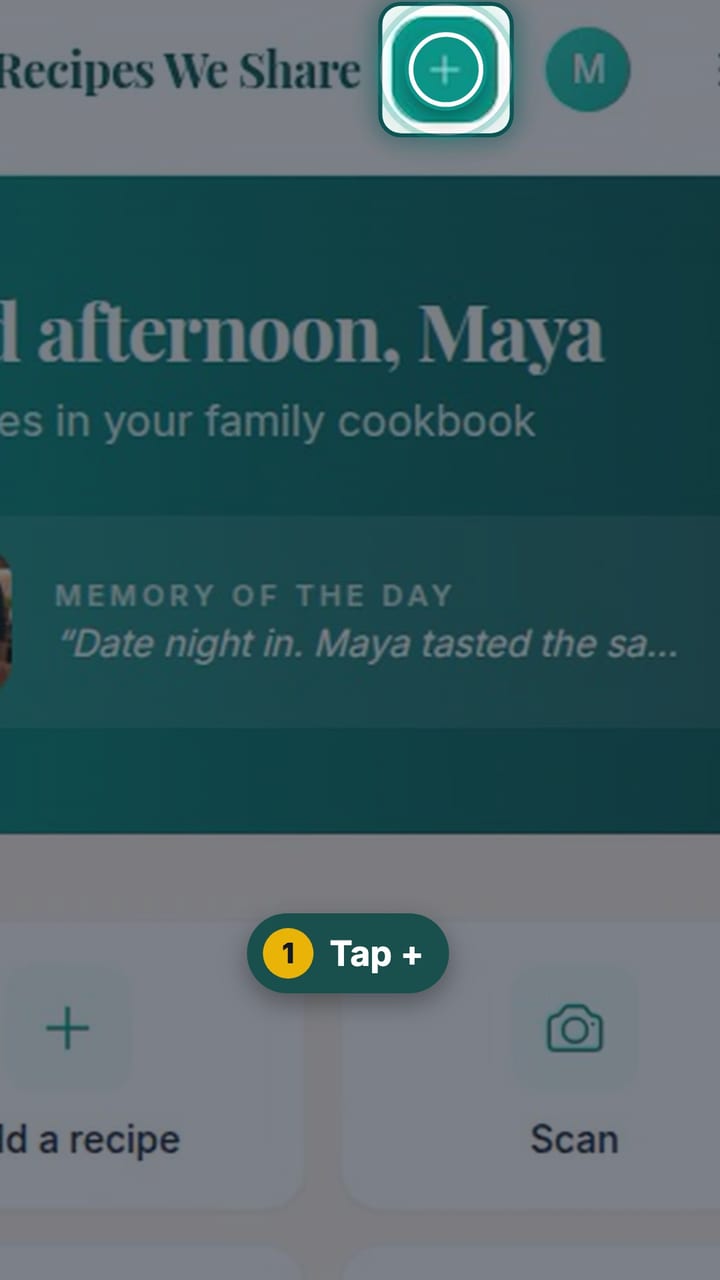
Import a recipe from a website
Paste a recipe blog’s link and get just the recipe: no life story, no pop-ups, no ads.
11 steps · 53 sec
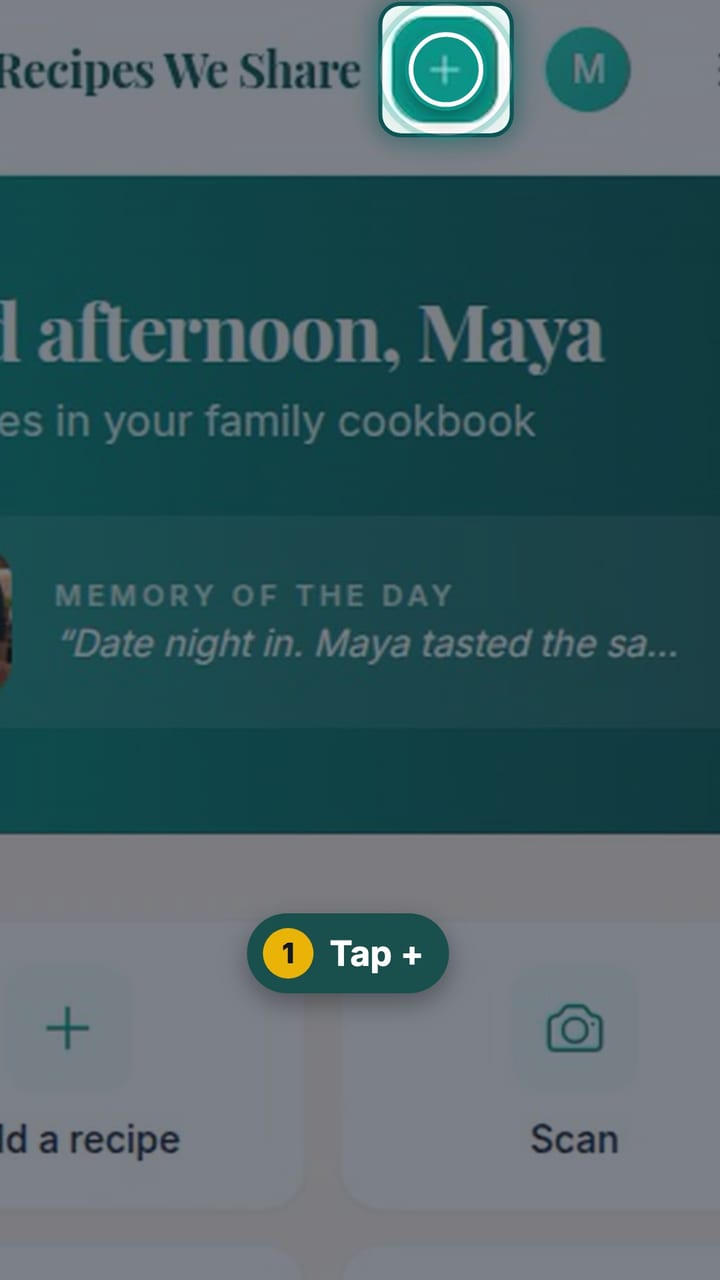
Paste a recipe someone texted you
Copy a recipe out of a text, email or note, paste it in, and it is sorted into title, ingredients and steps.
11 steps · 54 sec
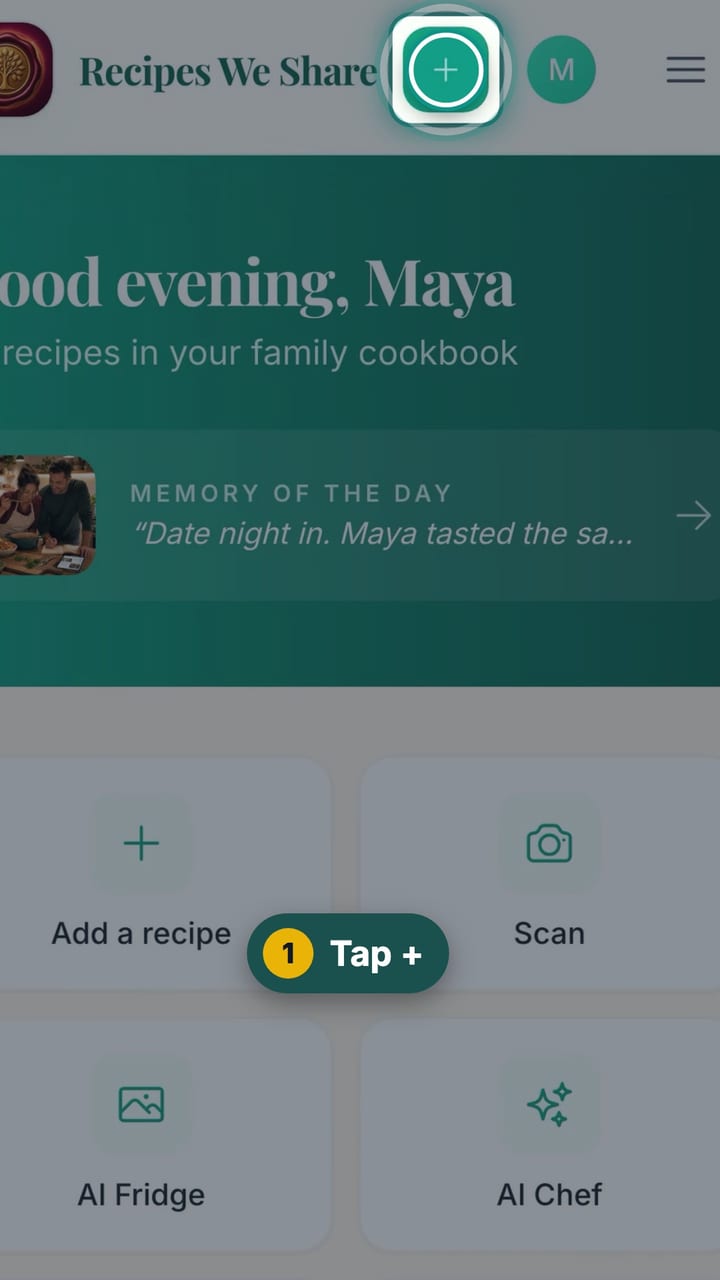
Type a recipe in by hand
Type a recipe straight in: title, category, ingredients and steps. Hand-typed recipes go straight into the family cookbook.
8 steps · 57 sec
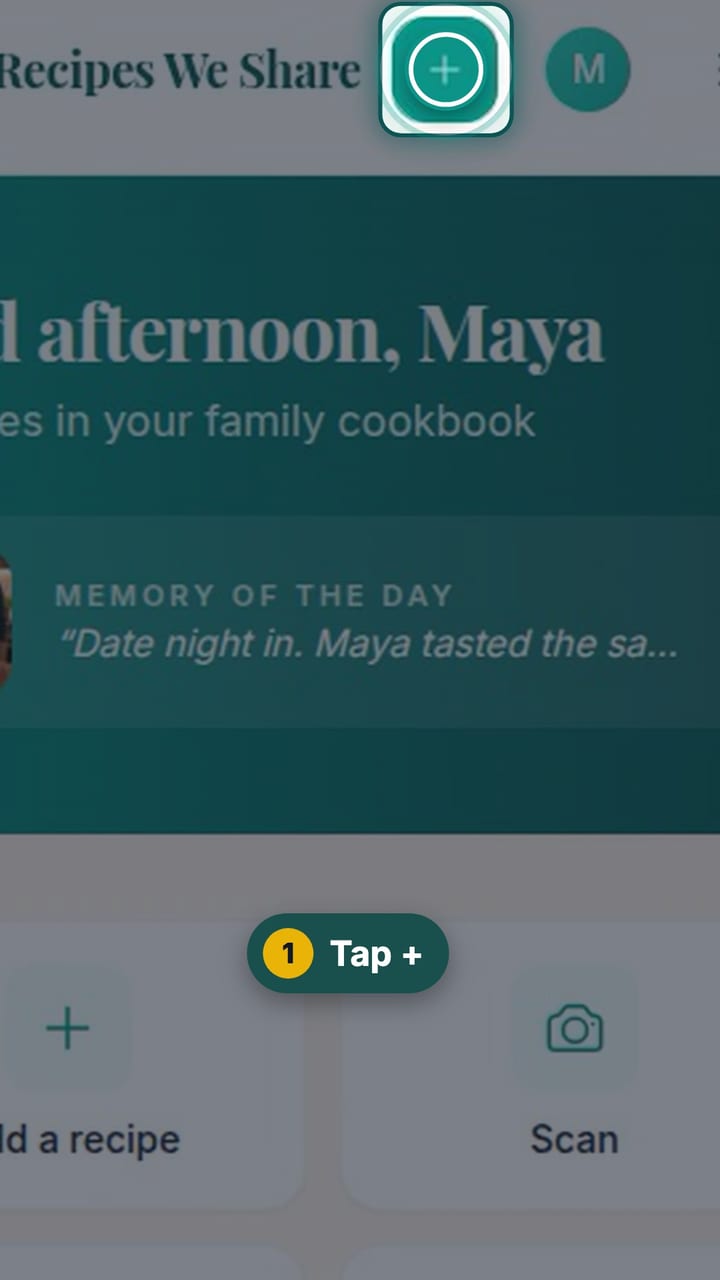
Create a recipe with AI
Describe a dish, or what is in the fridge, and get a complete recipe draft to edit and save.
10 steps · 52 sec
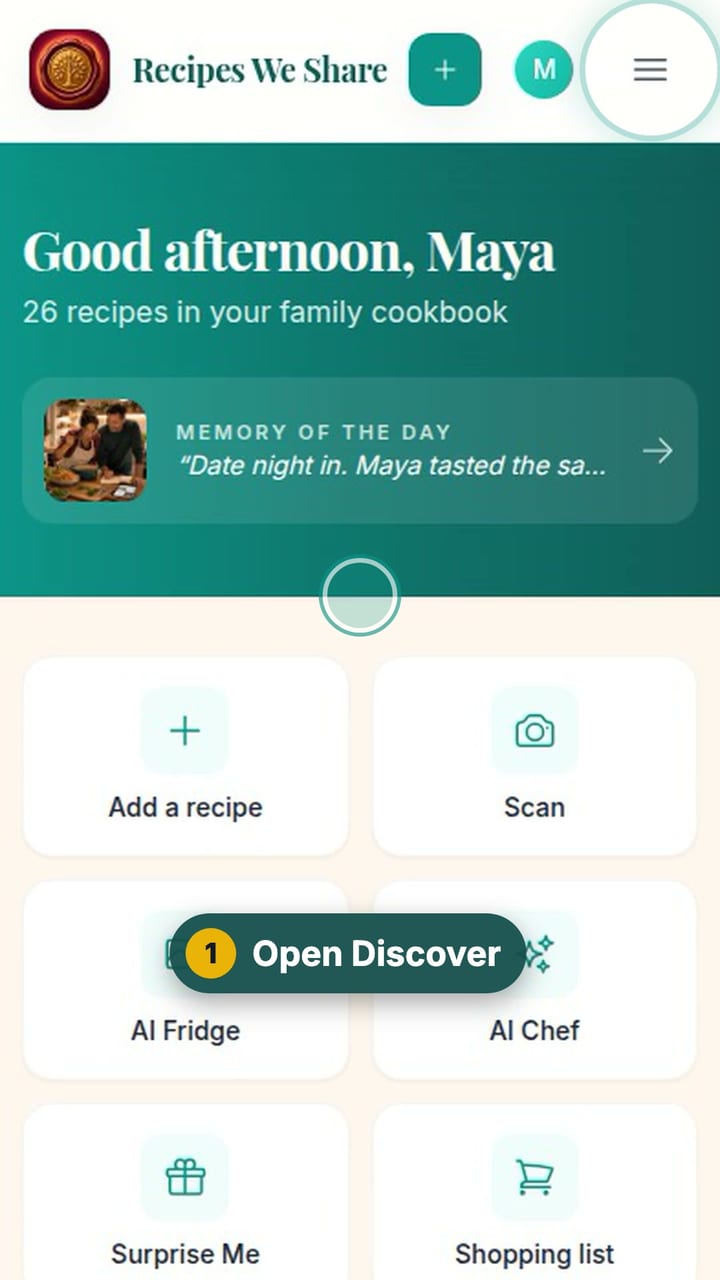
Add a recipe from the starter library
Browse ready-made starter recipes and add one to the cookbook with a tap, then make it your own.
6 steps · 37 sec
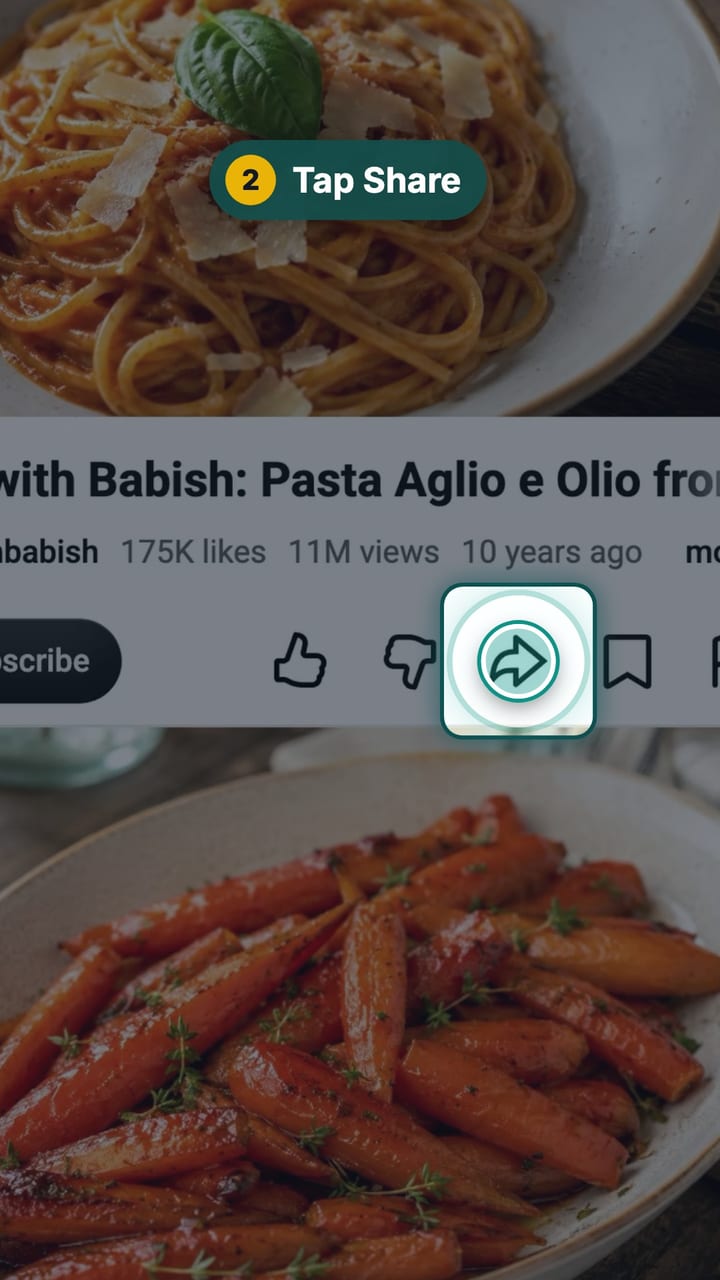
Share a recipe from YouTube
On a YouTube recipe video, tap Share and choose Recipes We Share. The recipe in the video’s description becomes an editable recipe in your cookbook.
11 steps · 49 sec
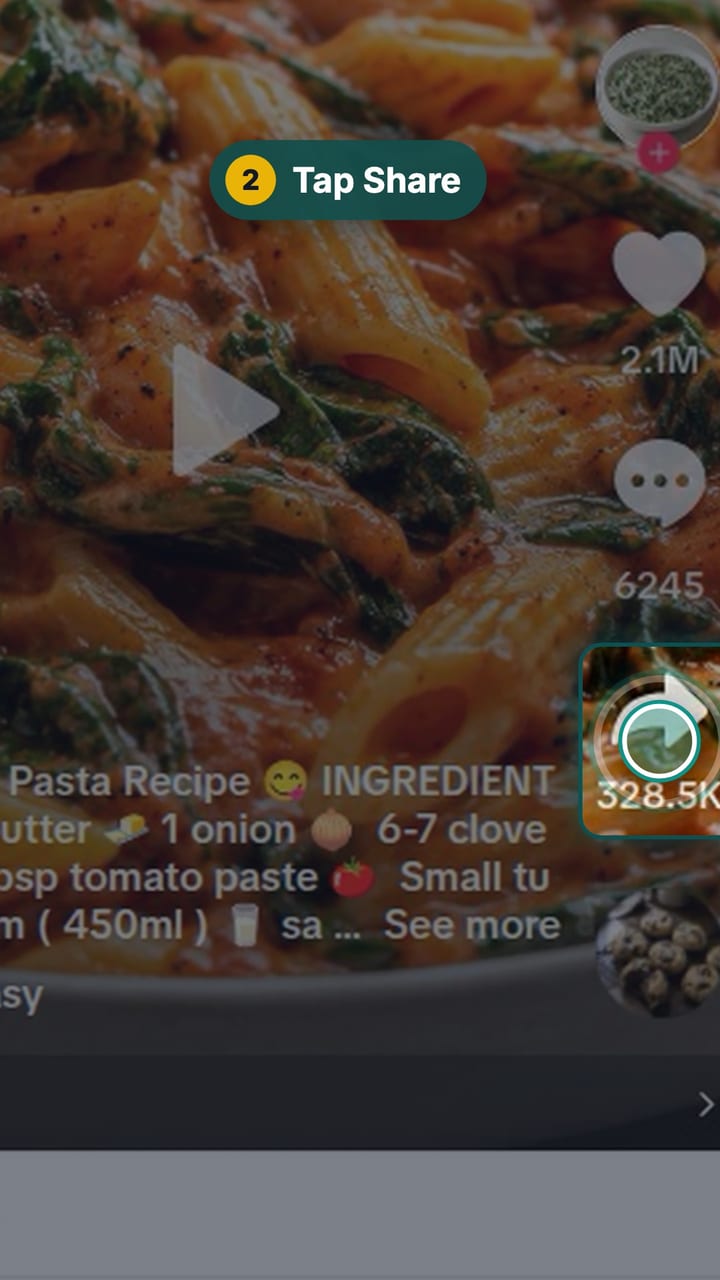
Share a recipe from TikTok
On a TikTok recipe video, tap Share and choose Recipes We Share. The recipe in the caption becomes an editable recipe in your cookbook.
11 steps · 56 sec
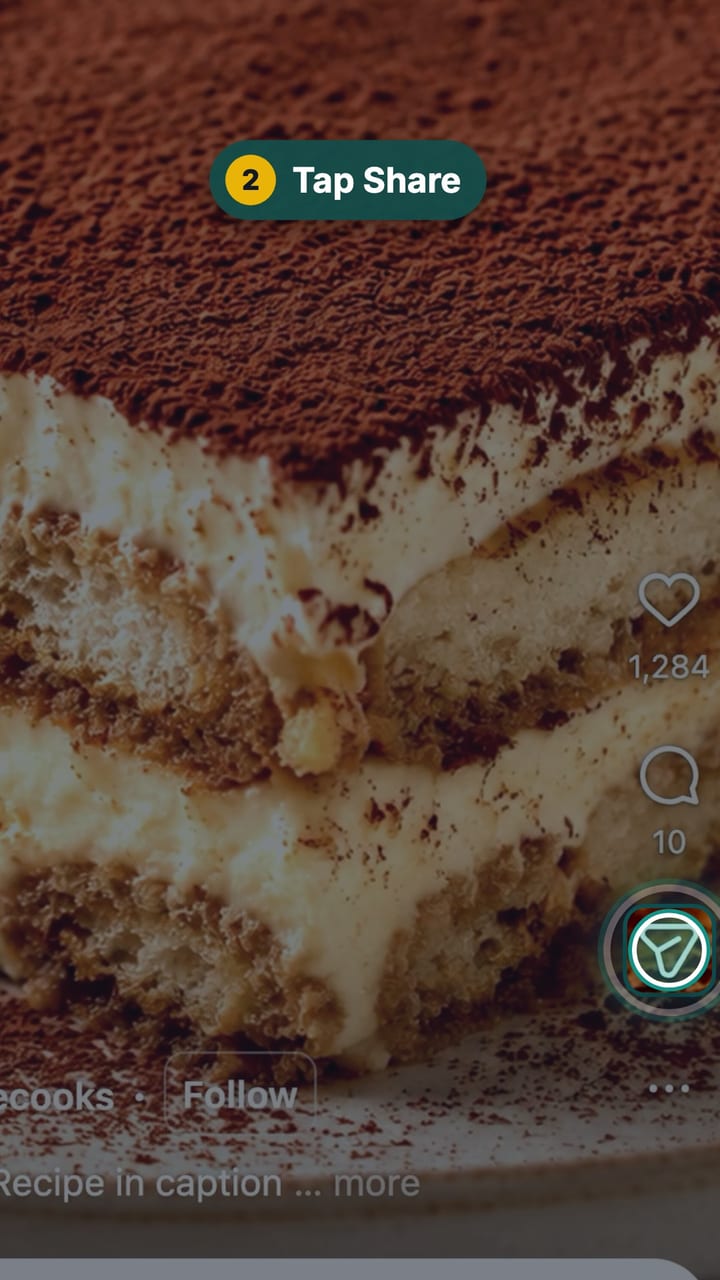
Share a recipe from Instagram
On an Instagram recipe reel, tap Share and choose Recipes We Share. The recipe in the caption becomes an editable recipe in your cookbook.
11 steps · 50 sec
Browsing the cookbook
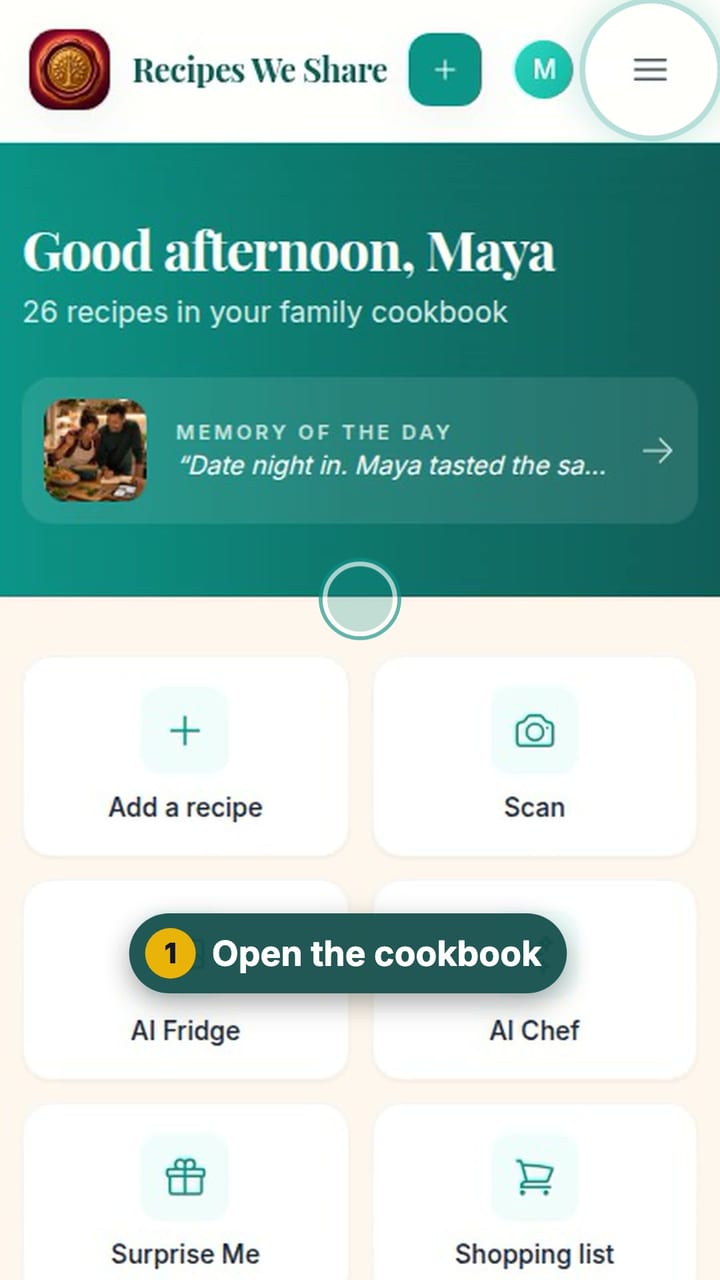
Find a recipe
The whole family cookbook in one place, searchable by name or ingredient.
5 steps · 36 sec
See every recipe from one person
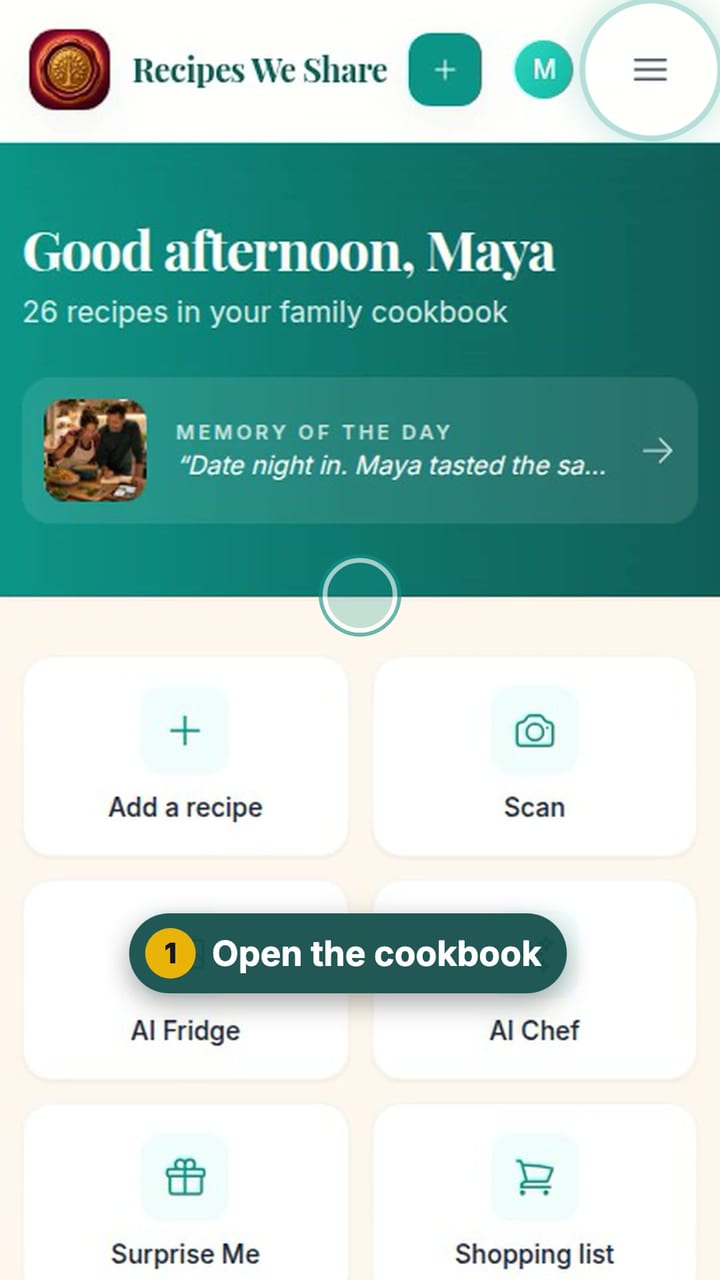
Filter the cookbook by the person a recipe came from, including relatives who never use the app.
3 steps · 24 sec
Read a recipe
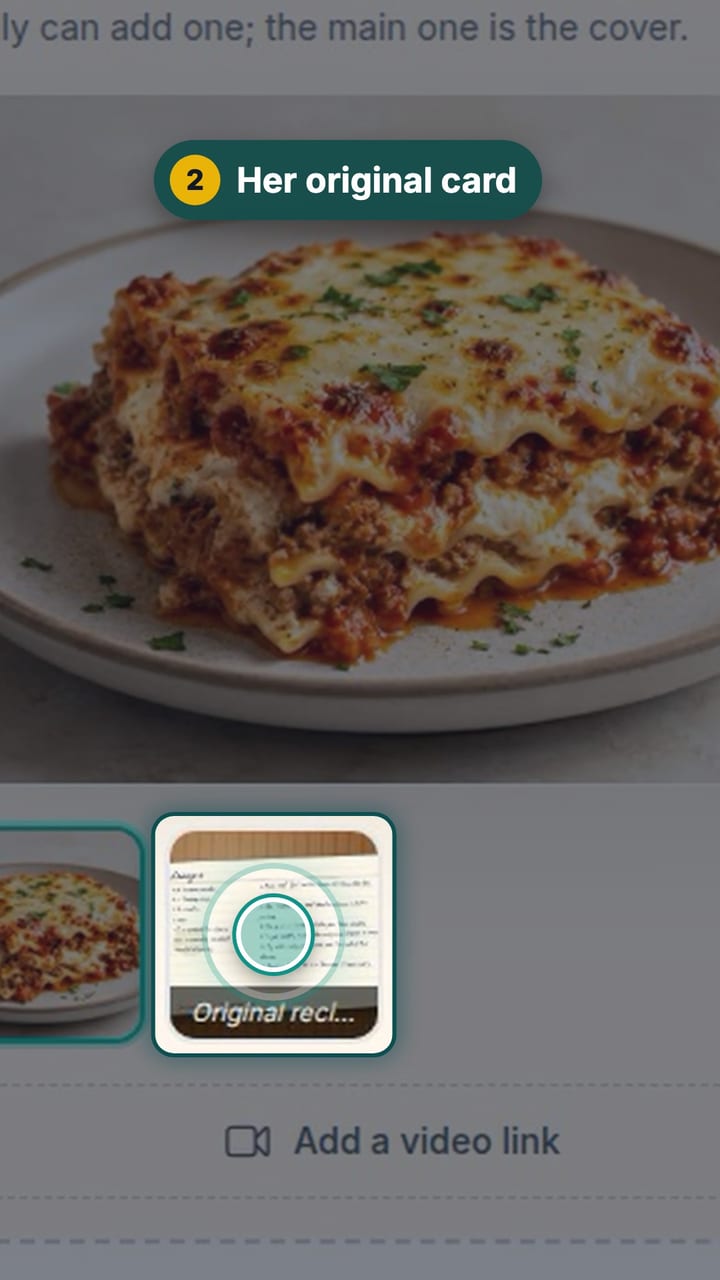
A recipe page: resize the servings, see the original handwritten card, the family’s notes and memories, and the recipe’s history.
7 steps · 55 sec
Make a collection
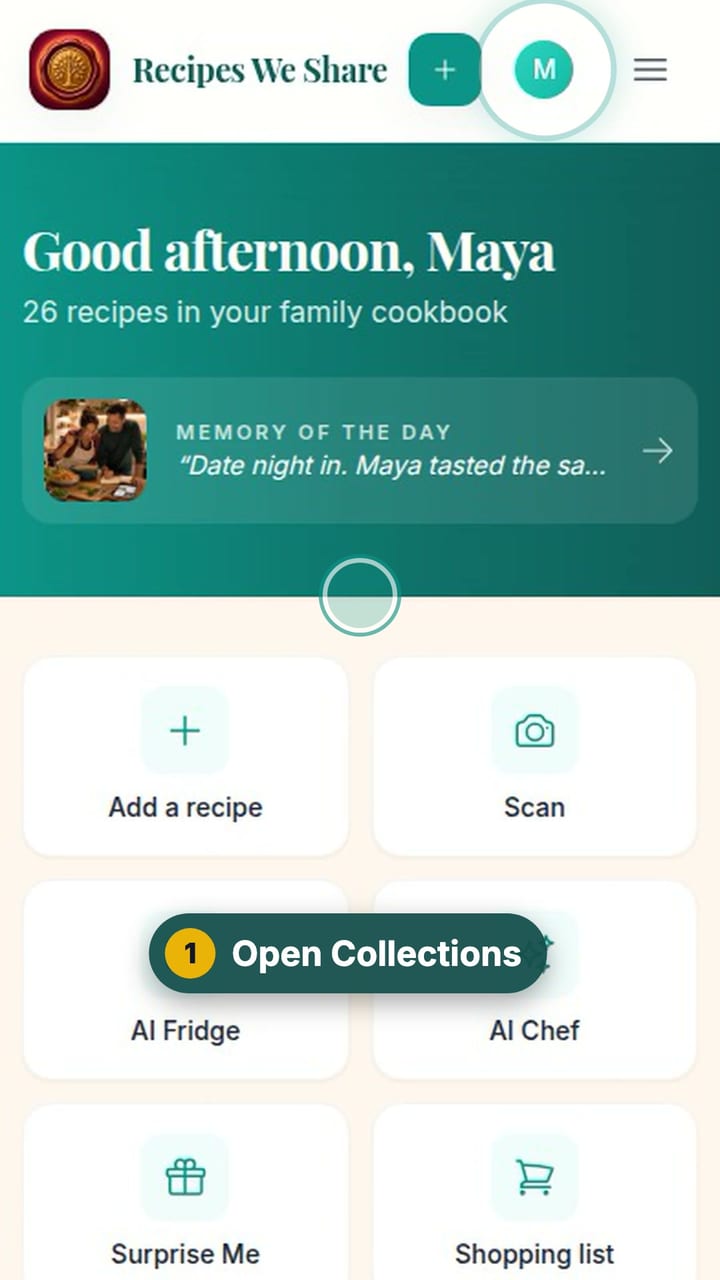
Group recipes into collections like Pizza Night or Holiday Table.
6 steps · 43 sec
Cooking and planning
Cook a recipe step by step
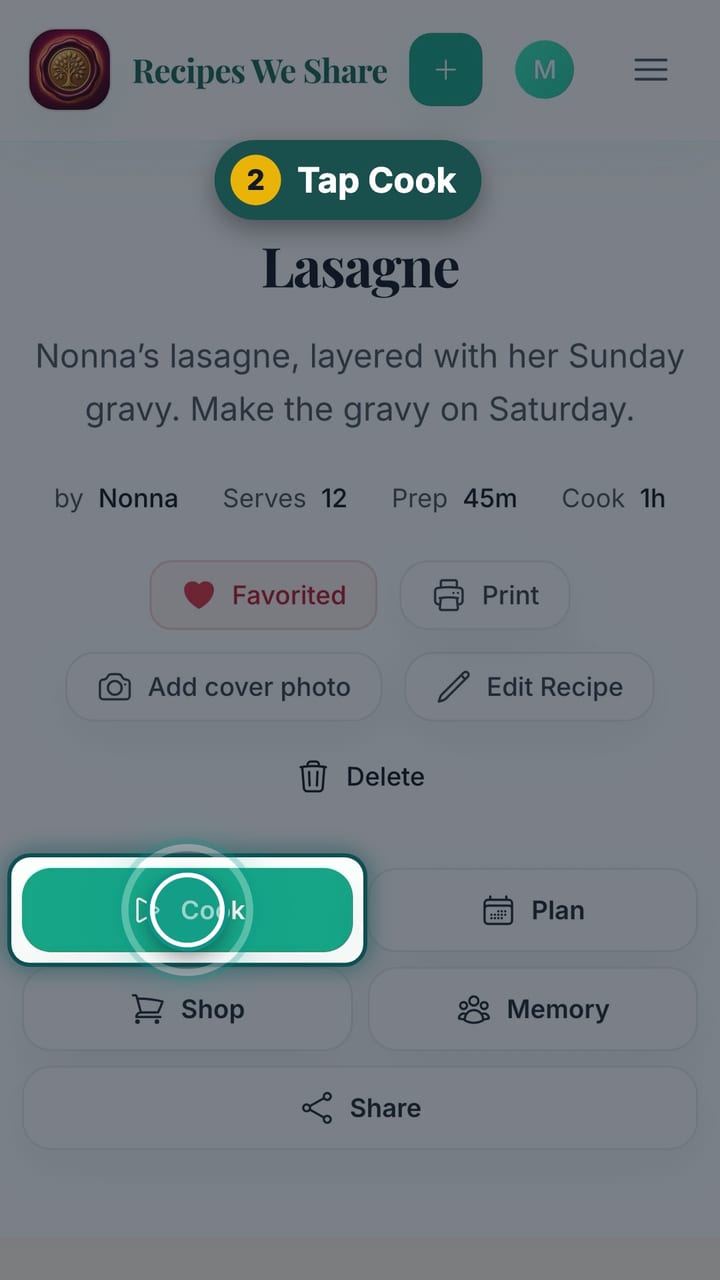
Cook mode shows one big step at a time, with the amounts written into each step, built-in timers, and a checklist.
8 steps · 49 sec
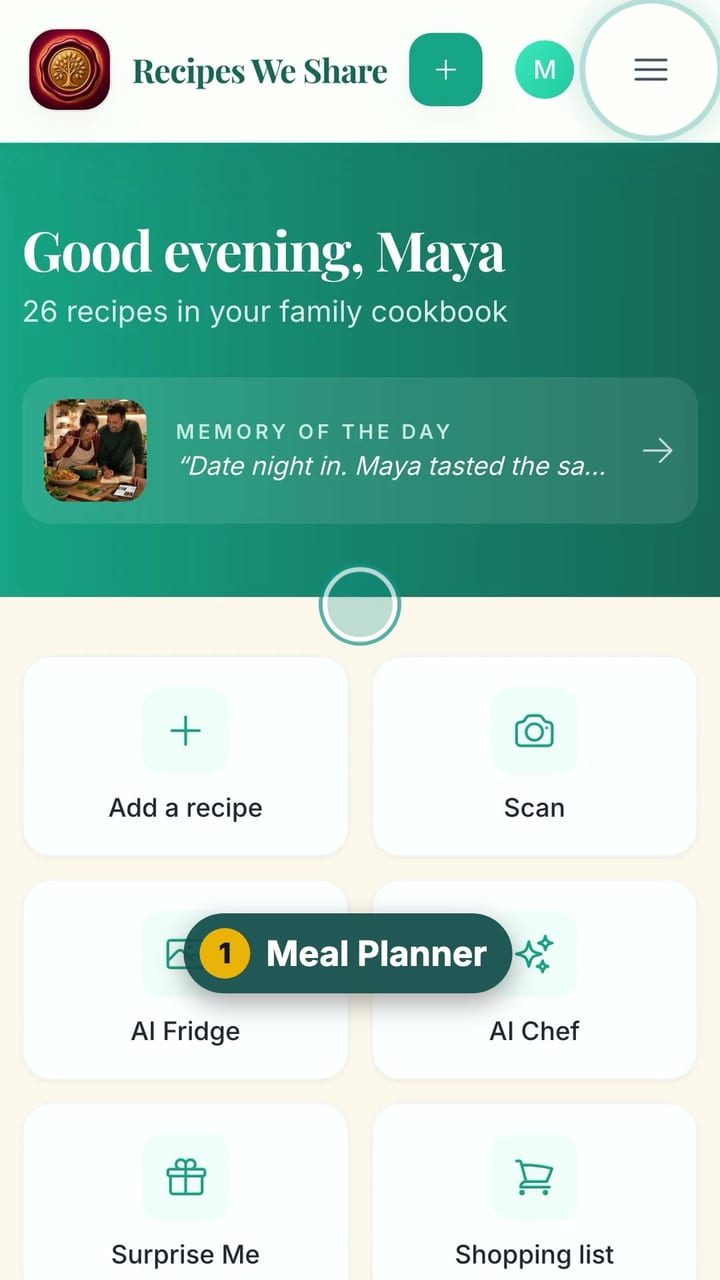
Plan the week’s dinners
Put the family’s own recipes on the week’s dinner calendar, lock the ones to keep, fill the rest in one tap, and get one combined grocery list.
9 steps · 55 sec
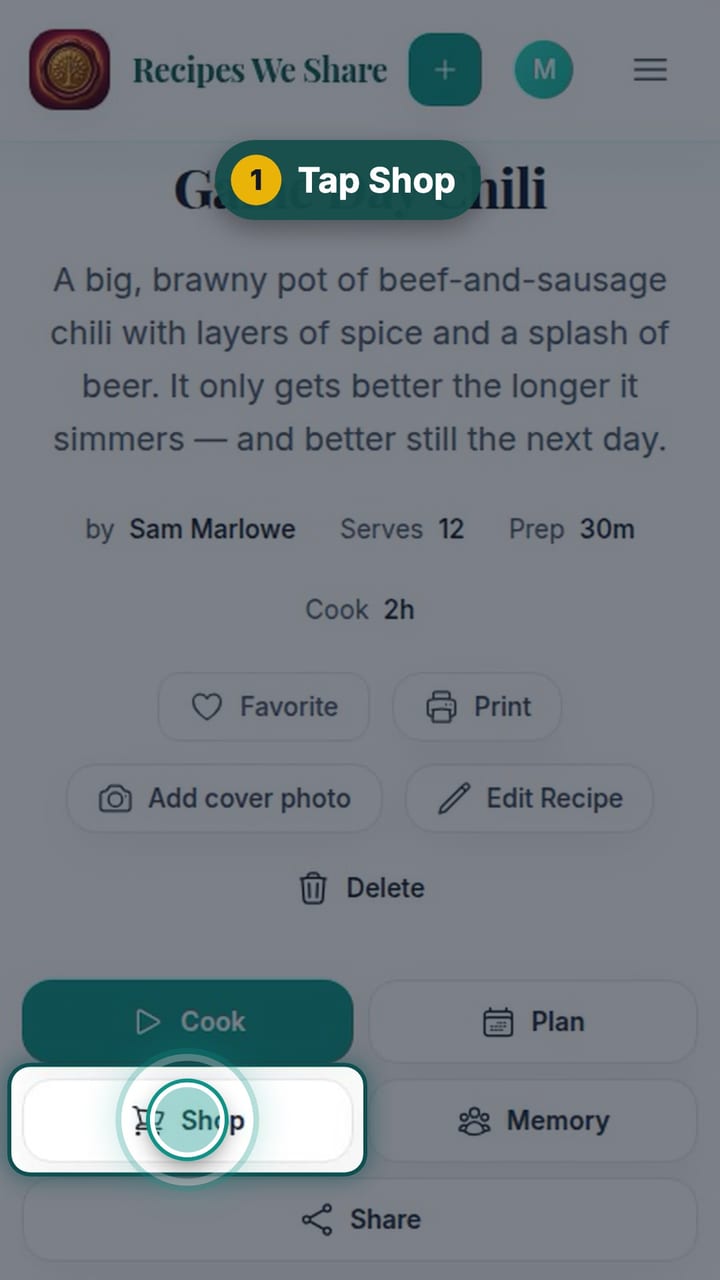
Shop for a recipe
Send a recipe’s ingredients to the family’s shared shopping list, then check items off in the store.
5 steps · 32 sec
Family and memories
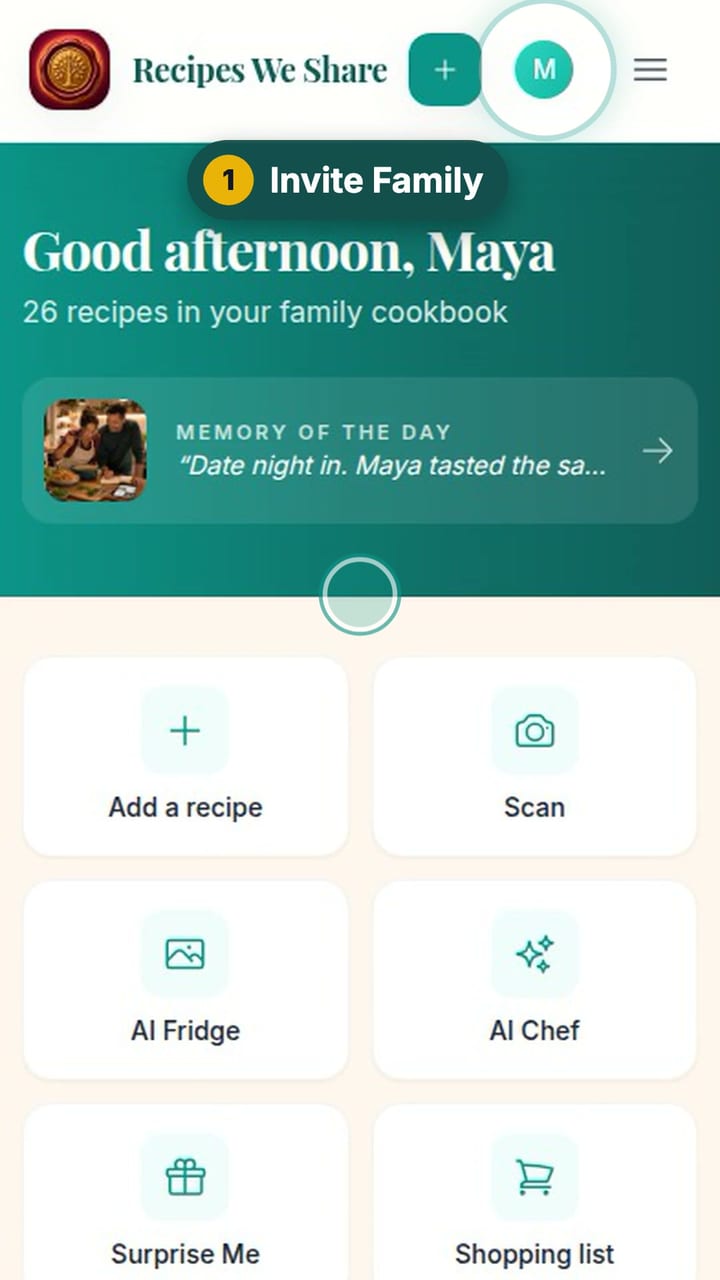
Invite the family
Invite family members by email or with a link you text them, and they join the same cookbook.
5 steps · 30 sec
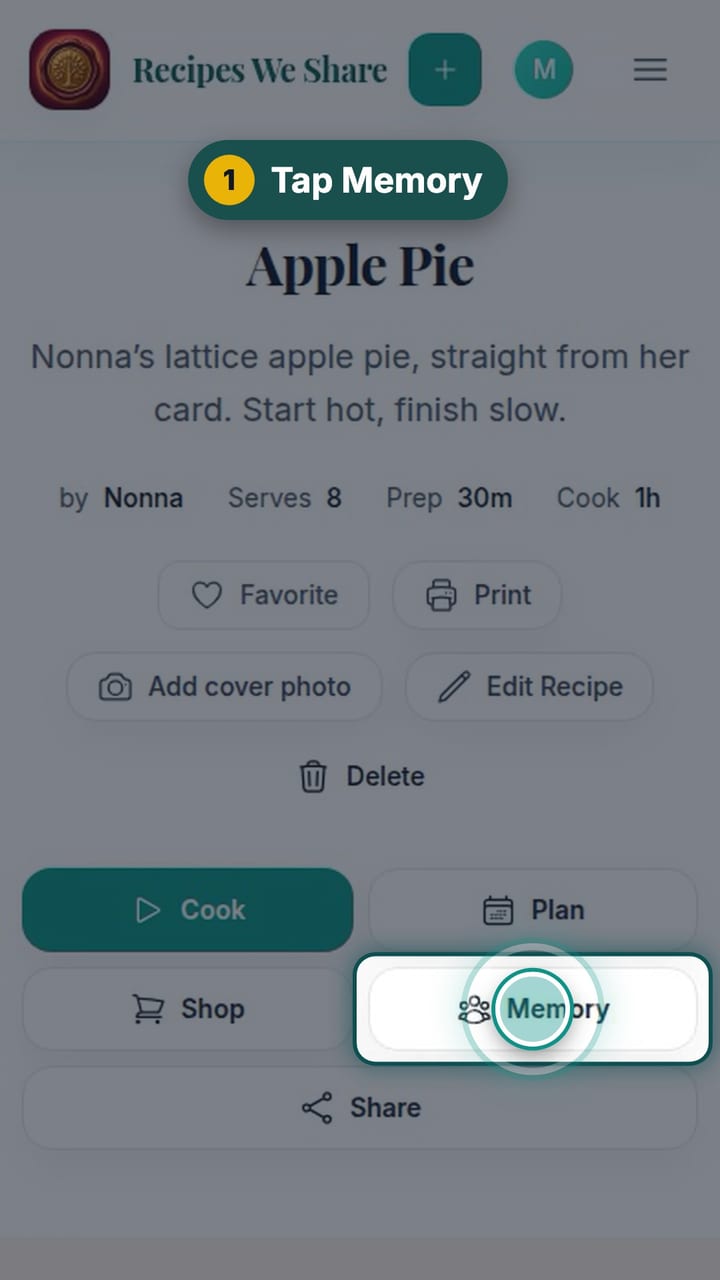
Add a memory to a recipe
Attach a photo and the story behind it to a recipe, so the people and moments stay with the food.
6 steps · 35 sec
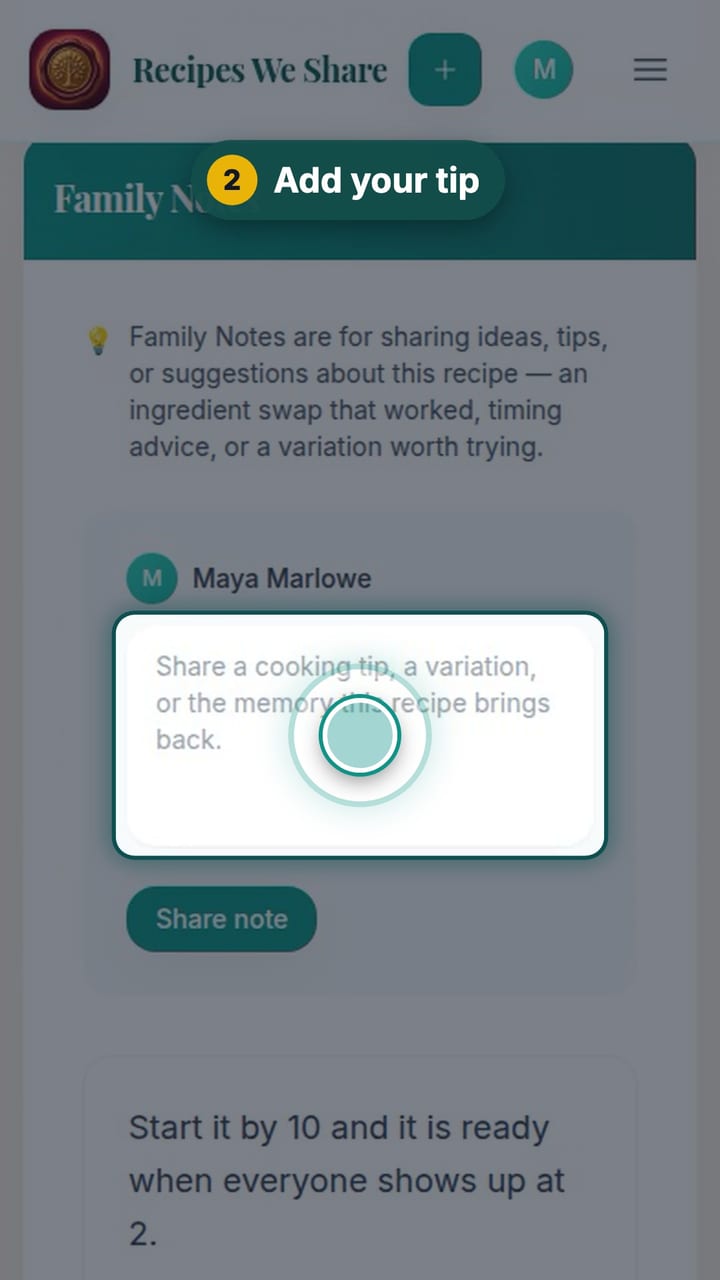
Leave a note on a recipe
Family Notes keep everyone’s tips, swaps and tweaks on the recipe itself.
4 steps · 25 sec
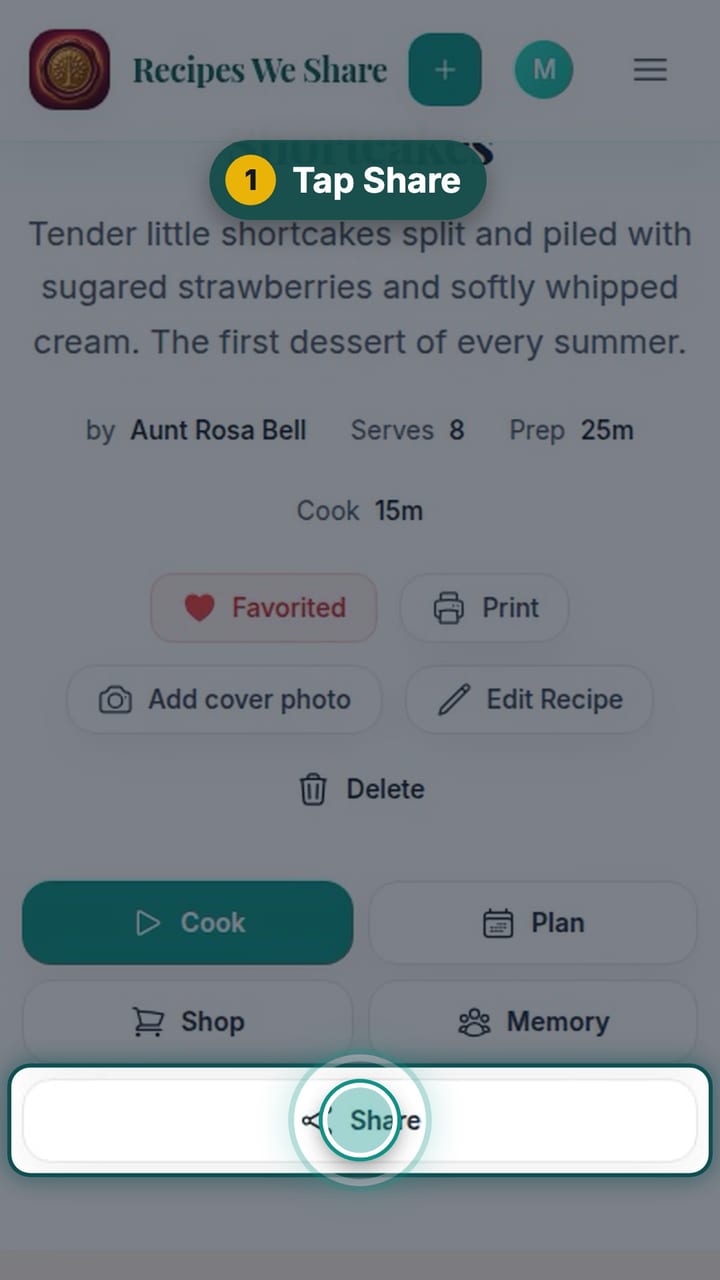
Share a recipe with anyone
Make a link to one recipe and send it to anyone; they see the recipe without needing an account.
3 steps · 23 sec
Photos and videos
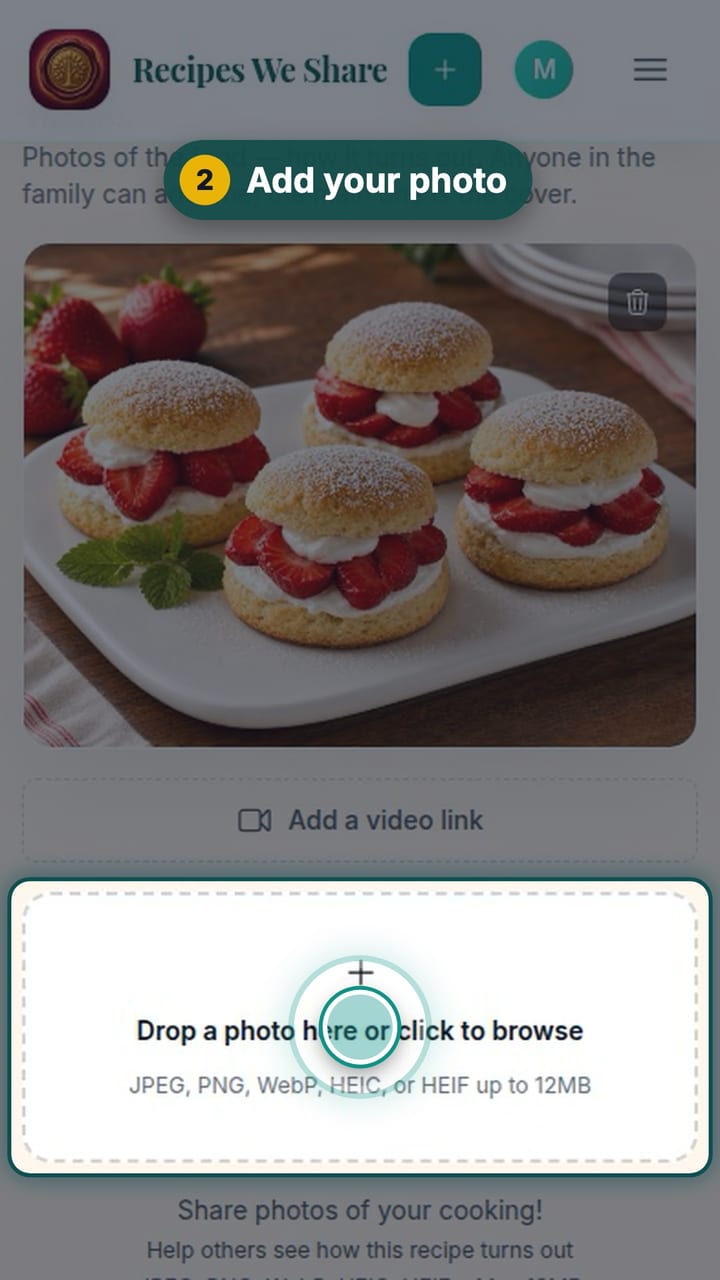
Add a photo of the dish
Add your own photo of how a recipe turned out, with a caption, and make it the recipe’s main photo.
7 steps · 38 sec
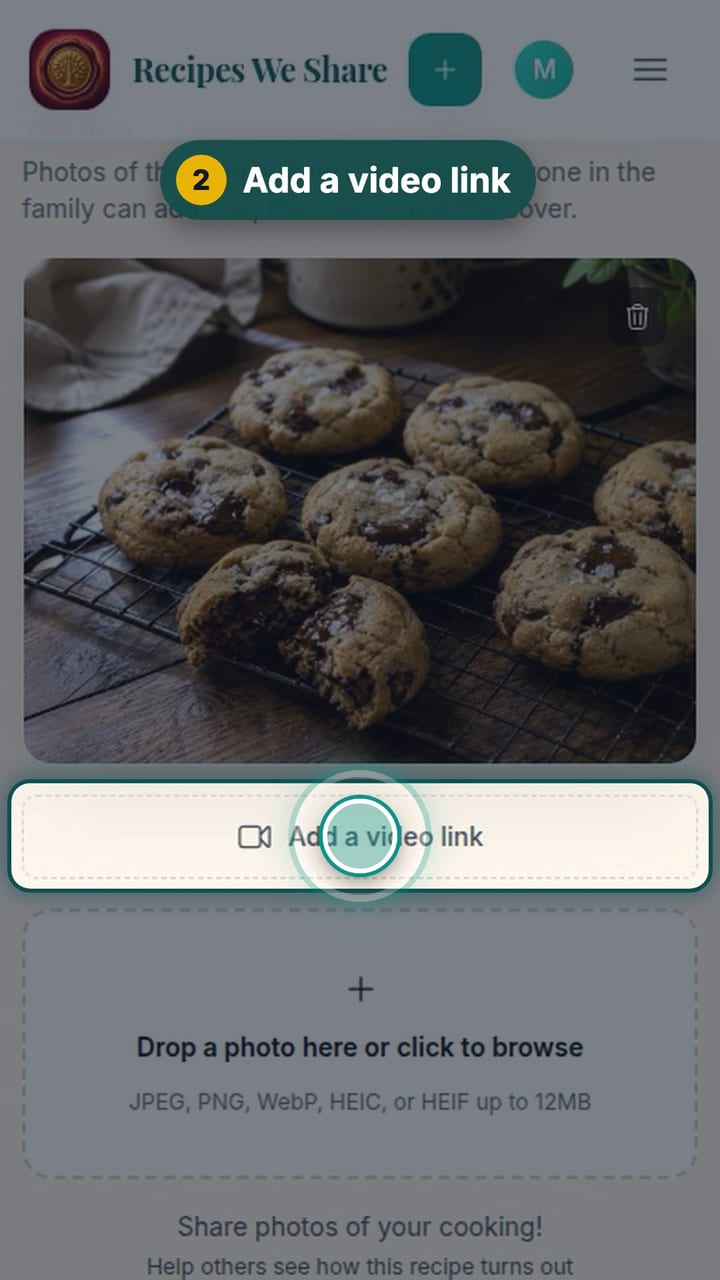
Add a video to a recipe
Paste a YouTube, Vimeo or TikTok link onto a recipe. It shows as a picture on the recipe and plays right there when someone taps it.
6 steps · 39 sec