
How to Use Family Recipes for Meal Planning, Nutrition, and Grocery Lists
Preserve recipes once, then use them for weekly dinner planning, nutrition context, serving adjustments, and grocery lists.

Scan a handwritten card, paste a link, or snap a photo of the finished dish — AI turns it into a clean recipe in seconds. Then plan the week, shop, and keep the photos and stories that make it family history. Nothing scattered. Nothing lost.
Start with the free plan. No credit card required.
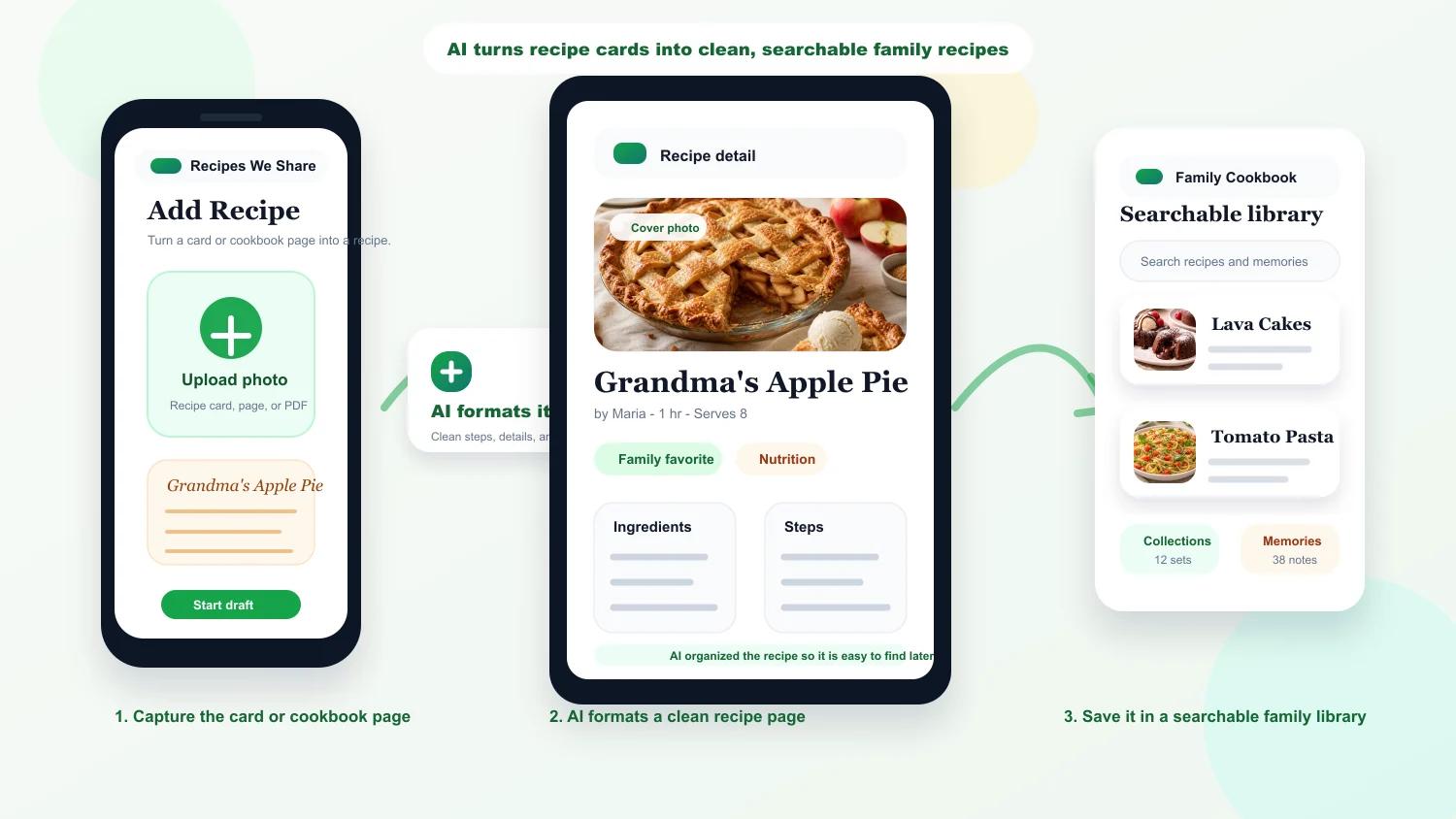
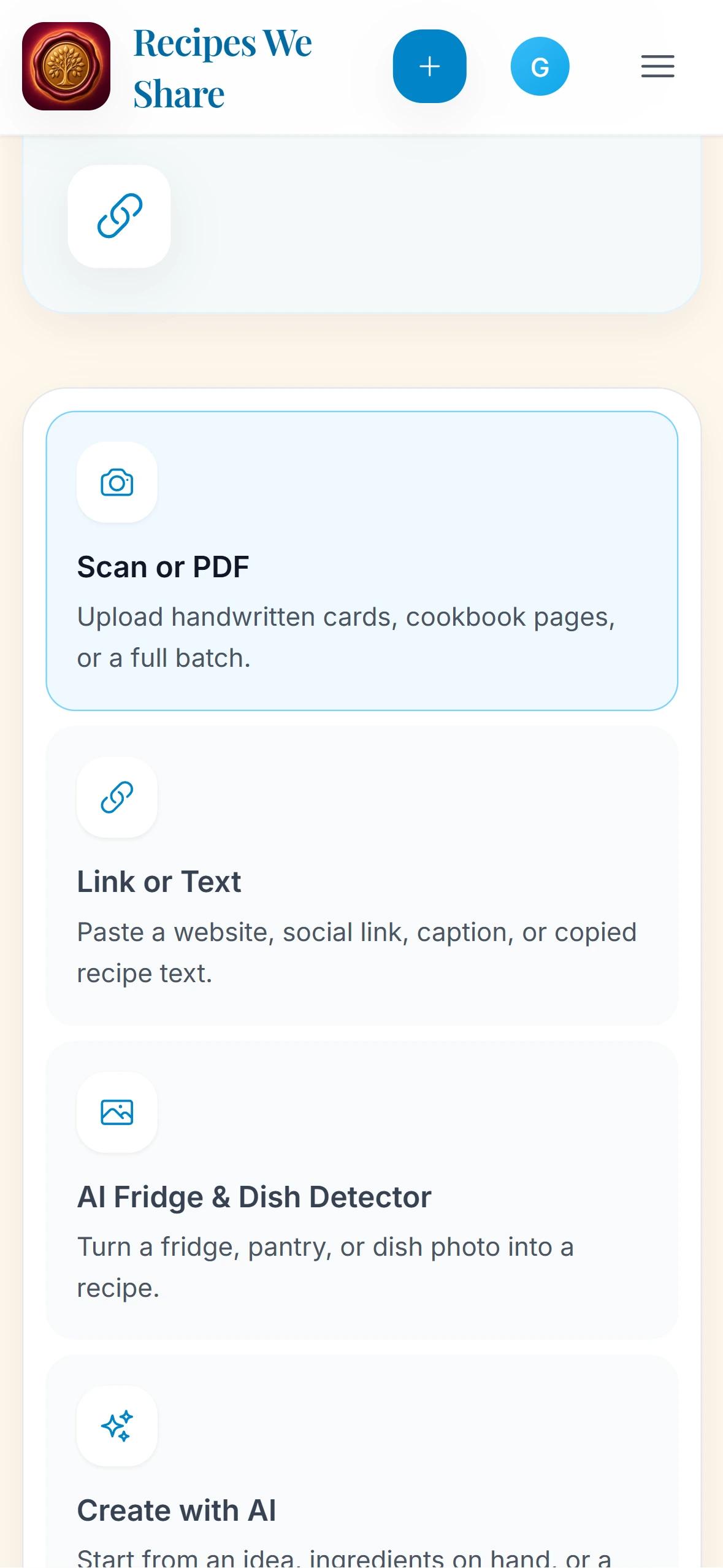
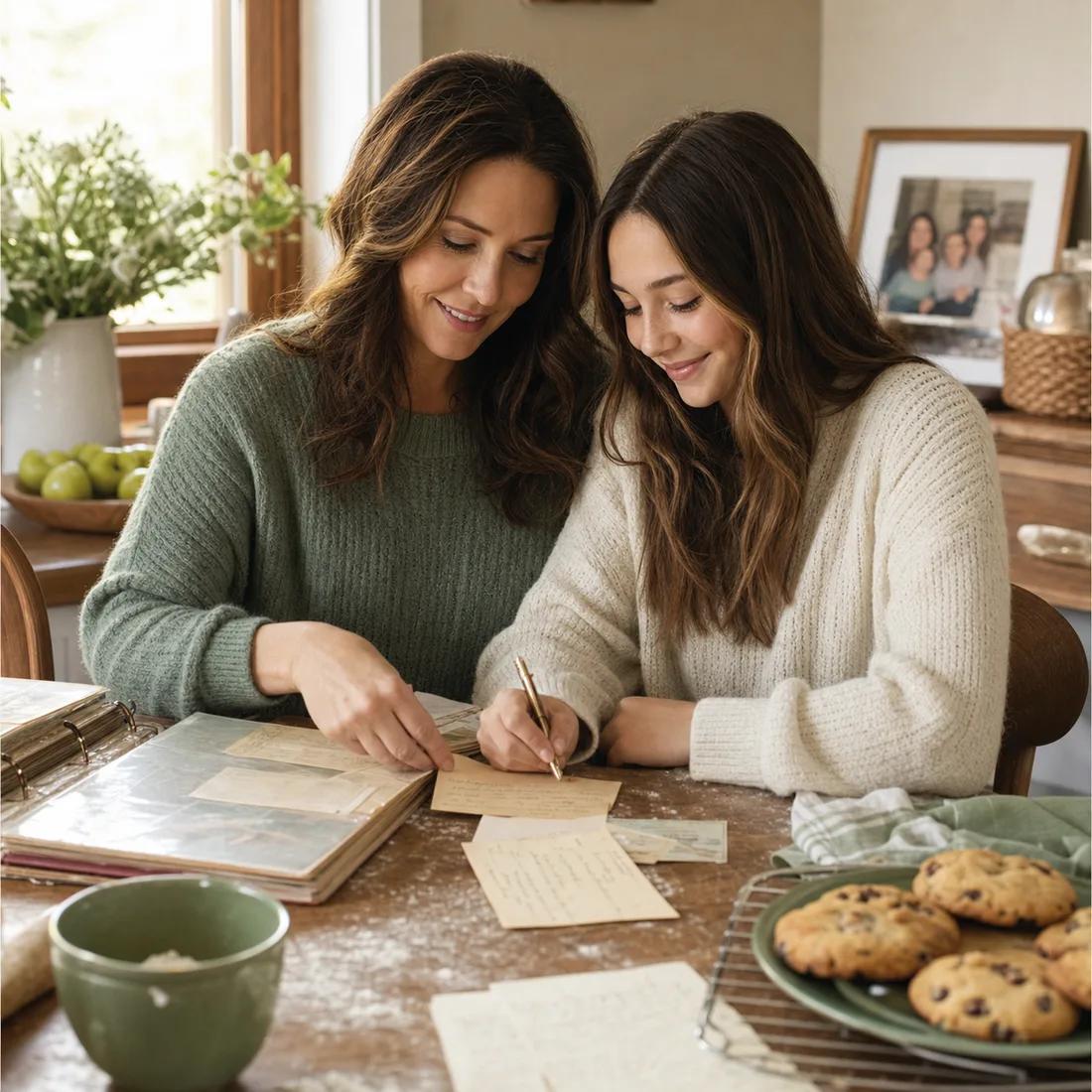
Photograph the source and let AI do the tedious cleanup, then review a clean, organized recipe your family can search, cook, and pass on.

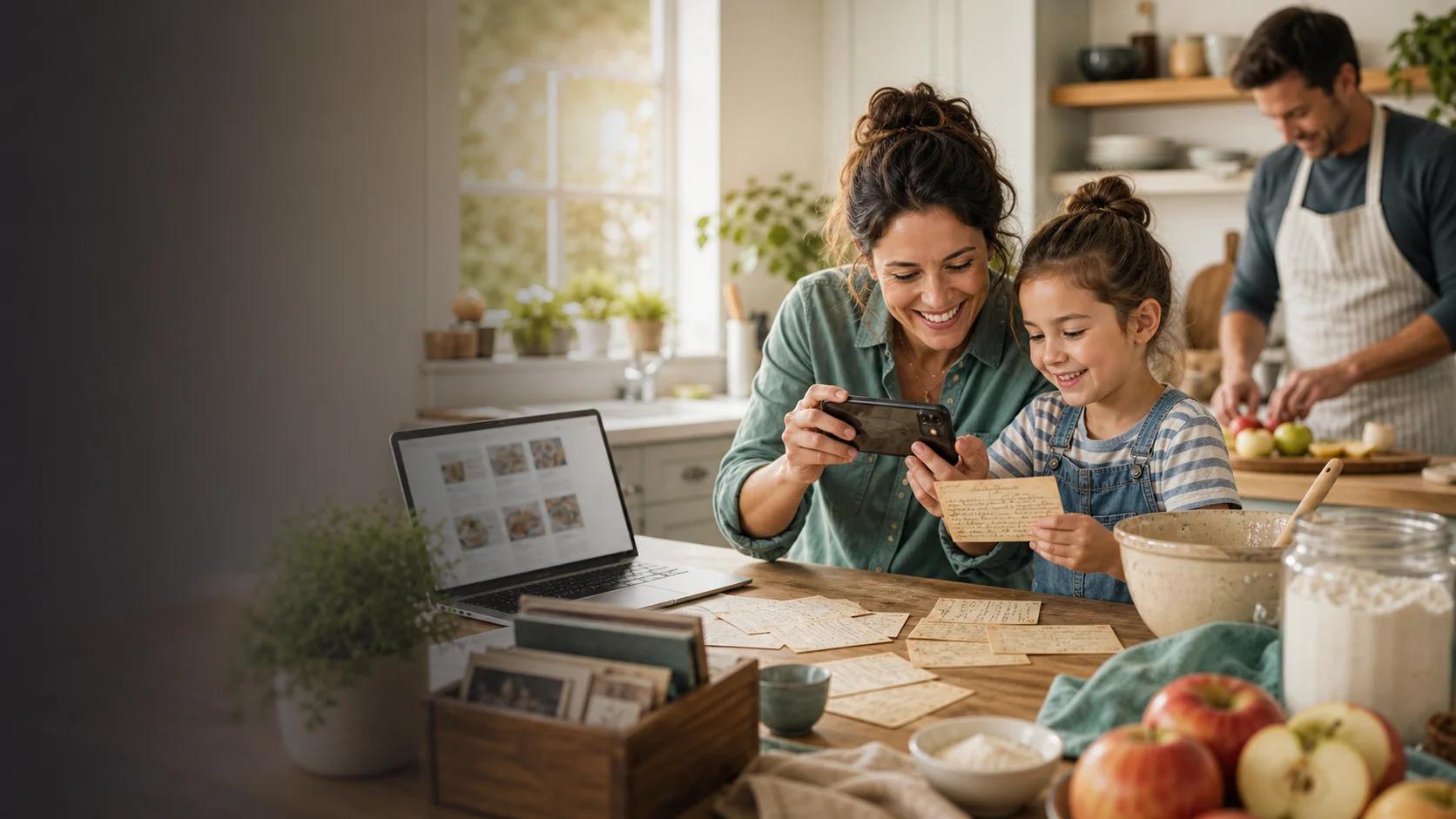
Use a photo, a scan, or a PDF from the old family binder, cookbook, or card box.
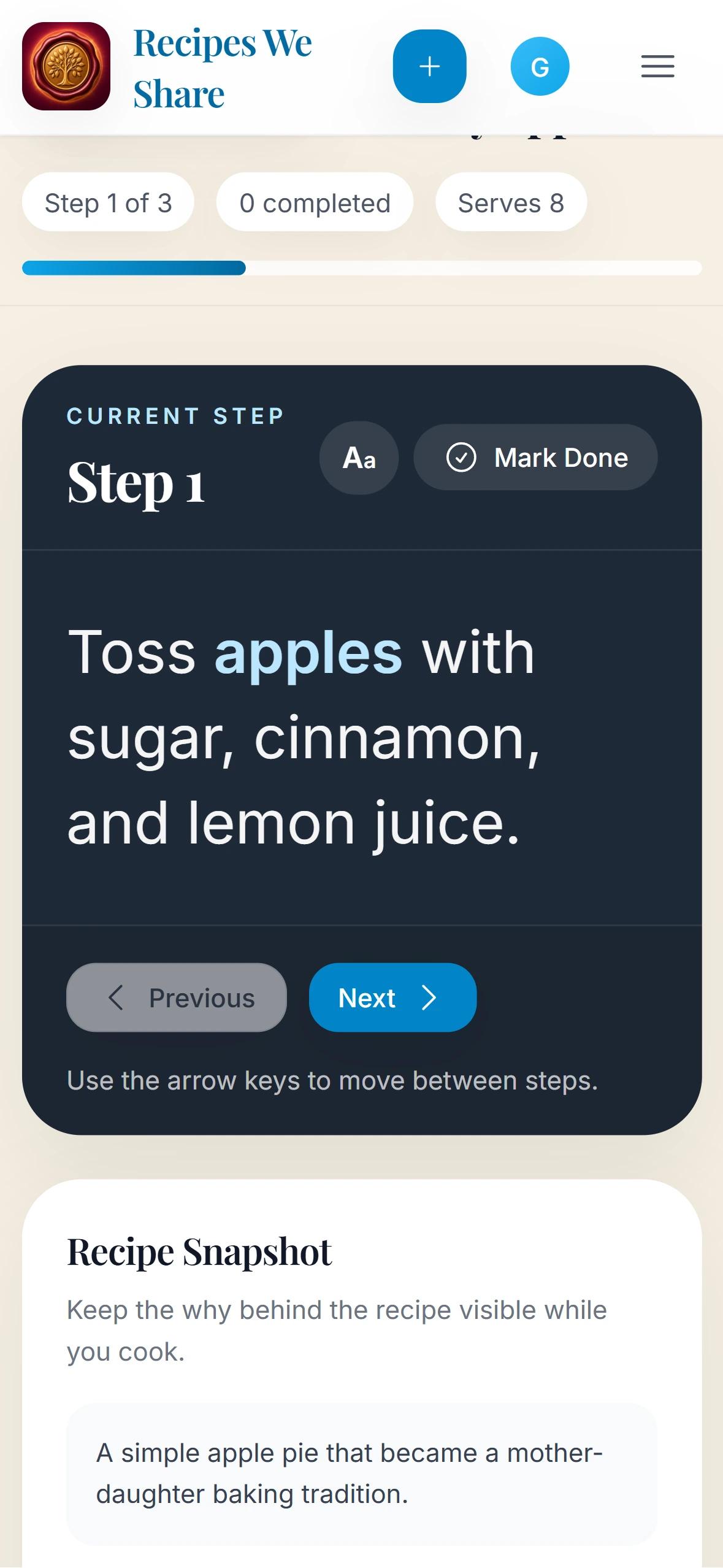
Format ingredients, steps, timing, servings, tags, and a cover image into a recipe page you can quickly review.
Keep recipes, comments, and memory photos in one household instead of losing them across chats and folders.
See it in action
Your organized recipe — ingredients, steps, timing, and tags — appears here.
Simple enough for preserving the old recipe box, with the planning, nutrition, and grocery tools families expect once the archive becomes useful.

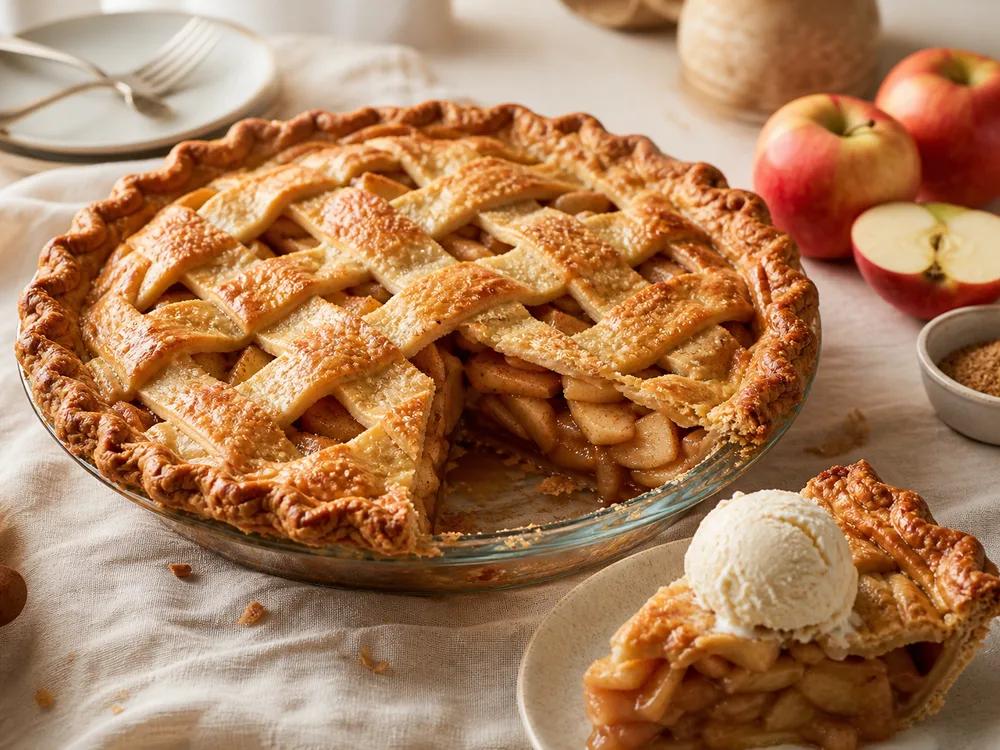
Give older family recipes a polished cover photo so the cookbook feels alive, not like a filing cabinet.

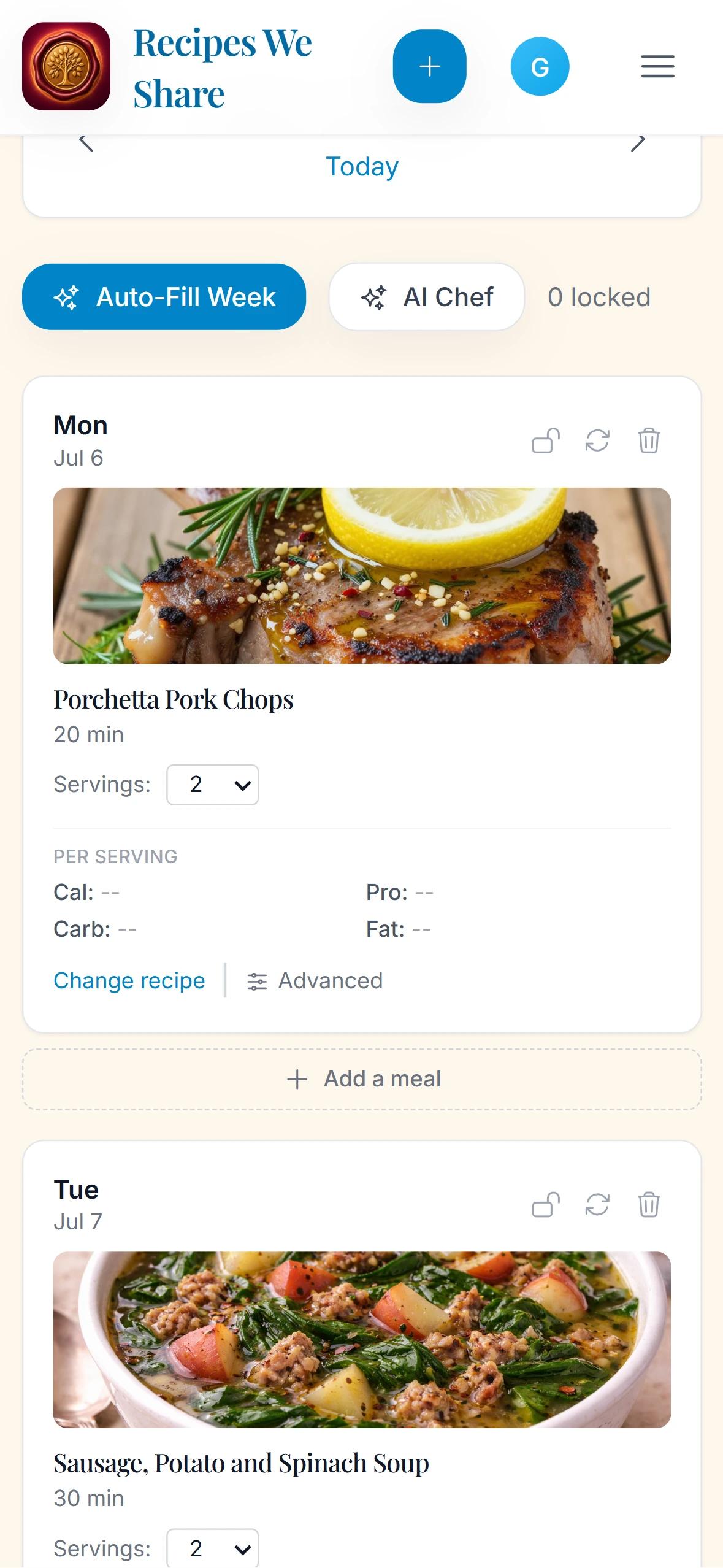
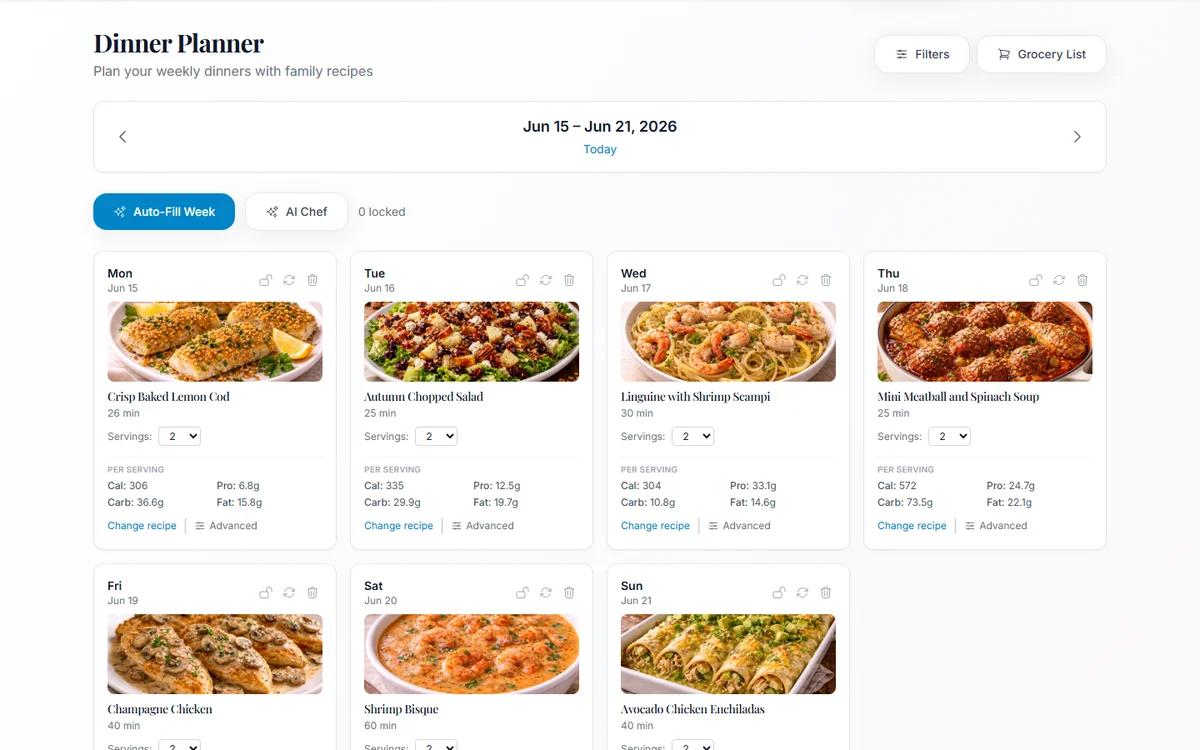
Auto-fill dinners, adjust servings, check nutrition, and turn the plan into a grocery list.

Save the original card, comments, memory photos, and family notes beside the cleaned recipe.
Upload handwritten cards, cookbook pages, or PDFs and turn them into editable recipe cards in seconds.
Turn rough notes into organized ingredients, steps, timing, servings, tags, and a clean recipe page.
Keep useful nutrition estimates with recipes so calories, protein, carbs, and fat are easy to review.
Plan dinners from recipes already in your family cookbook without starting from a blank list.
Turn planned meals into a practical shopping list and keep the kitchen workflow moving.
Invite relatives into one shared household so recipes, notes, photos, and memories stay together.

Recipes with context
A family cookbook feels more meaningful when the original card, the cleaned recipe, and the memory around it stay together. Recipes We Share keeps those details in one place so a dish can travel across generations without losing its story.
Why families choose Recipes We Share
A lot of tools can save a recipe. Recipes We Share is designed for families who want to preserve the original card, the cleaned recipe, the people behind it, and the practical tools that help those dishes stay part of everyday life.
Keep the photo or scan of the handwritten card attached to the clean digital recipe, so the family never loses the source.
Turn cards, cookbook pages, PDFs, and rough notes into organized ingredients, steps, timing, servings, tags, and a readable recipe page.
Invite relatives with their own accounts so everyone can contribute without sharing passwords or scattering recipes across texts and folders.
Plan meals from saved family recipes, review nutrition context, and turn planned dinners into grocery lists.
More than a recipe
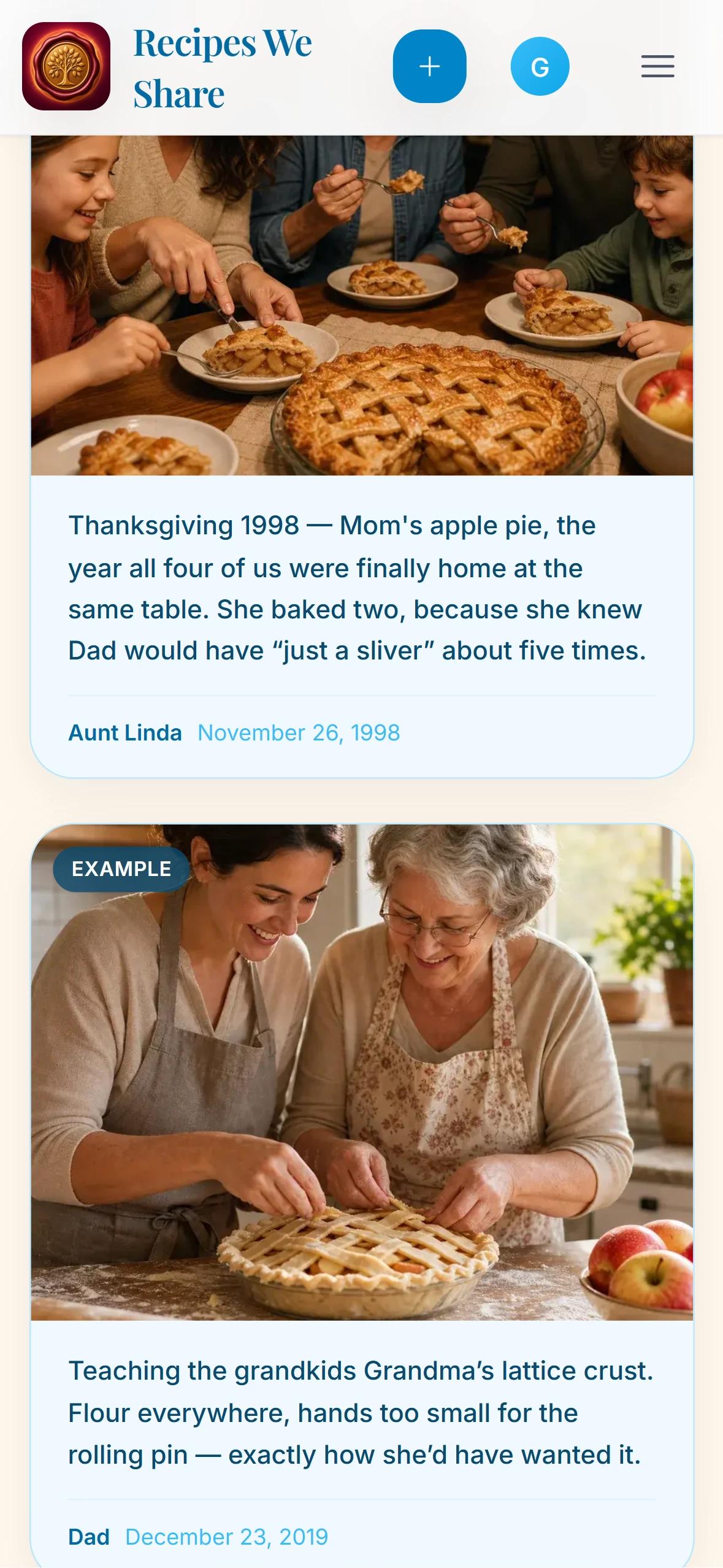
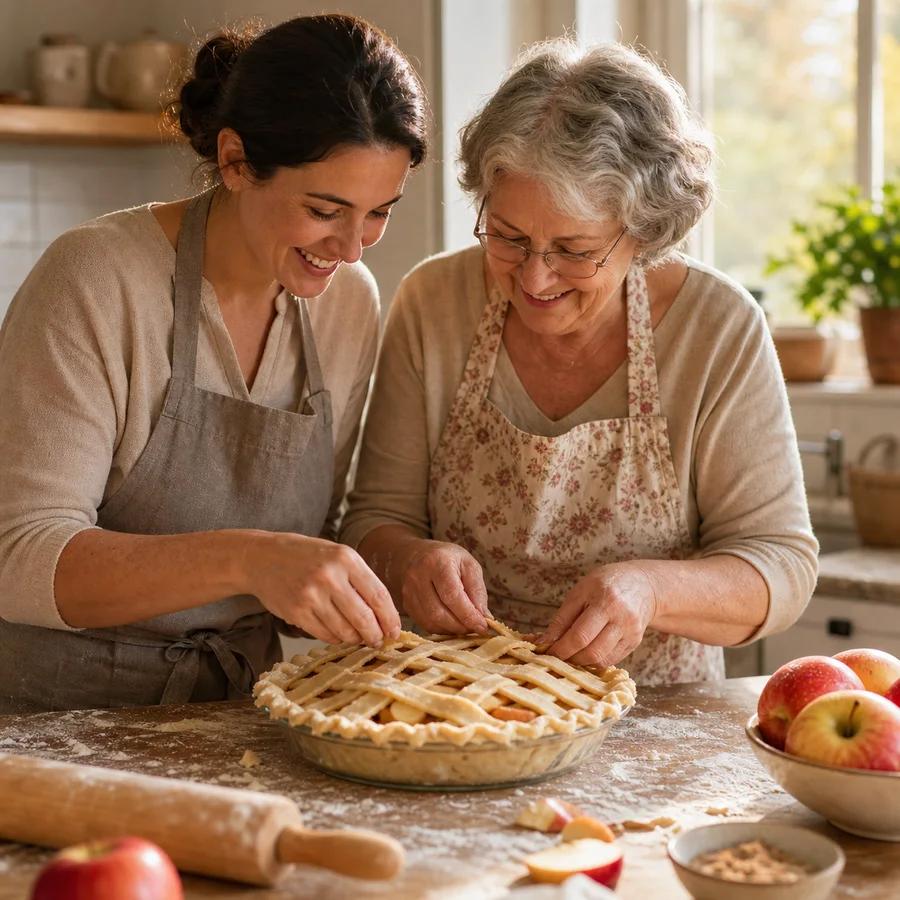
A recipe is only half the memory. Add photos from the kitchen, the holidays, and the people who made it, then let family leave comments with the little tweaks and stories that never made it onto the card.


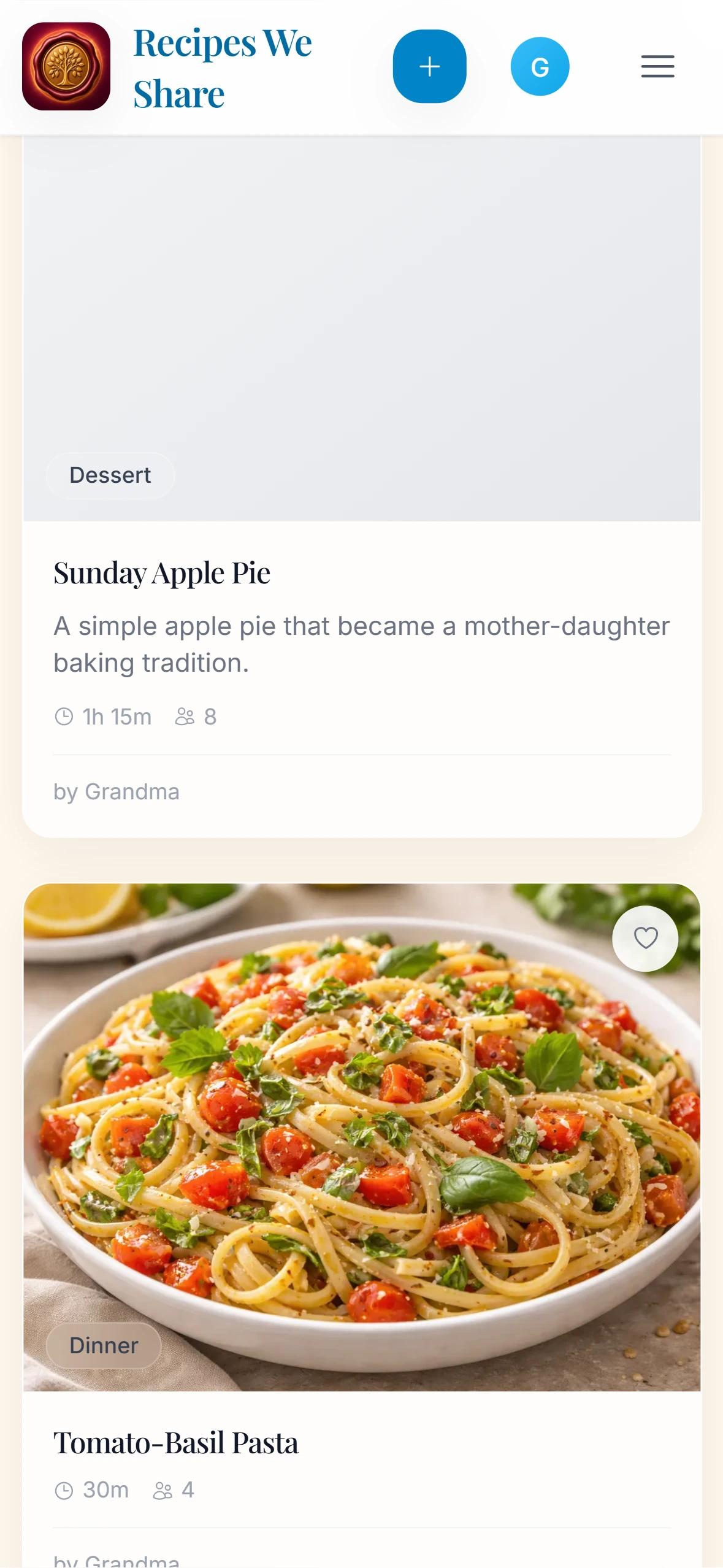
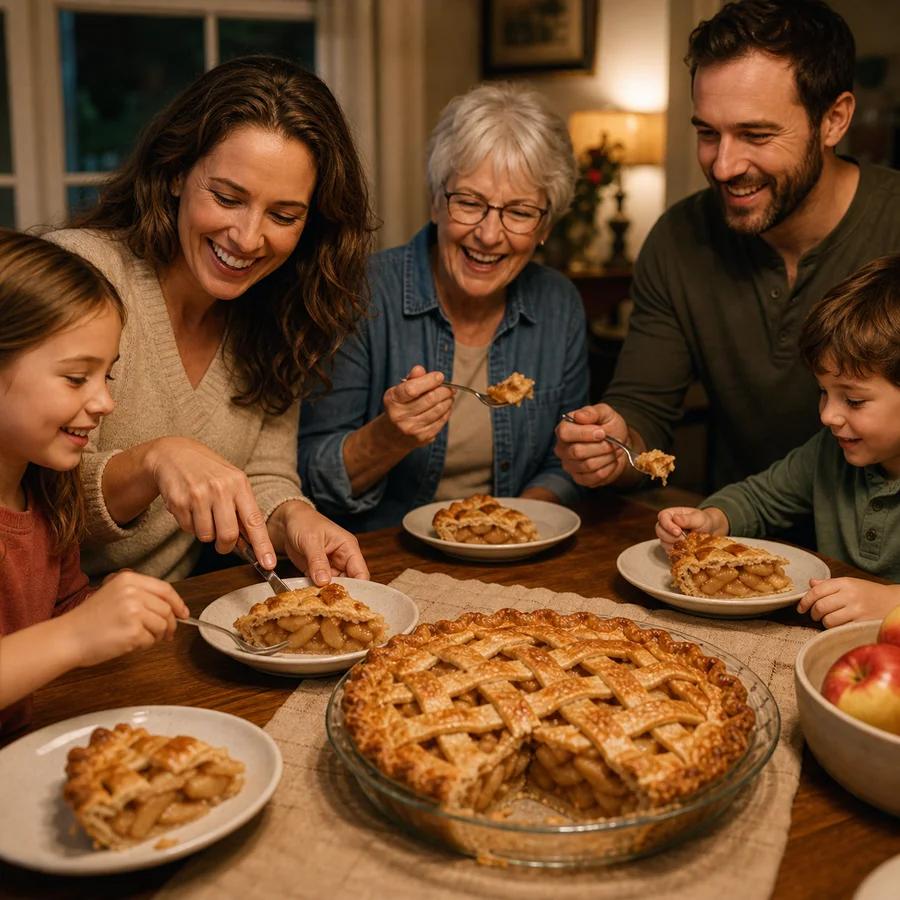
Three family versions of the same pie, each saved with its own memory.
I still make Mom's lattice crust every Thanksgiving, with the pinch of nutmeg she taught me.
My version gets extra cinnamon and a darker bake. Same recipe, different kitchen.
The honest comparison
Those tools can hold a recipe. None of them were built to keep a family's recipes, stories, and the people behind them together — and turn them into something worth passing down.
| Capability | Recipes We Share | Paprika | Cozi | Group chat & Notes | |
|---|---|---|---|---|---|
| One shared family cookbookEveryone joins a household with their own login — no shared passwords, nothing scattered. | |||||
| Memories & stories kept with each recipePhotos, who made it, and the notes behind the dish live beside the ingredients. | |||||
| AI capture: cards, links & dish photosScan a handwritten card, paste a link, or photograph a finished dish to get a clean recipe. | |||||
| Keeps the original handwritten scanThe source card stays attached forever, right next to the cleaned-up version. | |||||
| Plan meals & shop from your own recipesBuild the week from recipes the family already trusts, then turn it into a grocery list. | |||||
| Printable heirloom family cookbookExport a beautiful keepsake book with contributors, scans, and memories to print and gift. |
Popular starting points
These pages go deeper on the searches families use most when they are trying to digitize handwritten recipes, compare family cookbook apps, or preserve a recipe archive before it is lost.
A focused landing page for turning recipe cards, binders, and cookbook pages into editable digital recipes.
Explore this topicSee how Recipes We Share works as a family cookbook app for preserving, organizing, and sharing recipes.
Explore this topicLearn the practical workflow for saving recipes, notes, and memories before they disappear.
Explore this topic“We finally stopped keeping recipe photos in three phones and two group chats.”
“The comments and memory photos make this feel like a family archive, not just another recipe app.”
“The cookbook export gave us something we could actually print and share at reunions.”
Questions families ask first
These are the questions people usually search before they choose a workflow or a family cookbook app.
You can photograph recipe cards, cookbook pages, or PDFs, then let Recipes We Share extract the ingredients and steps into an editable digital recipe card.
The safest approach is to digitize the recipe, save the original image, add the story behind it, and keep everything in one shared family cookbook instead of scattered photos or group chats.
Yes. Recipes We Share is built around shared households, so relatives can log in with their own accounts and access the same recipe archive, memories, and collections.
Yes. The app is mobile-friendly and supports direct phone uploads, so you can capture recipe cards from your kitchen drawer, binder, or cookbook shelf without special hardware.
Recipes We Share is built around private family preservation, not just recipe storage. It keeps the original source image, cleaned recipe, notes, memories, comments, and household access together in one family cookbook.
Photos, notes, and folders are useful for temporary storage, but they can become hard to search, easy to duplicate, and disconnected from family context. Recipes We Share turns those sources into organized recipes while preserving the original image and story.
Yes. Relatives can join a shared household with separate accounts, so the family can contribute to one private cookbook without sharing one login.
From Our Blog
Fresh guides and stories on digitizing handwritten recipes, organizing cookbooks, and keeping food traditions intact.

Preserve recipes once, then use them for weekly dinner planning, nutrition context, serving adjustments, and grocery lists.

A practical phone-scanning workflow for capturing recipe cards cleanly, preserving handwritten details, and turning photos into usable recipes.

A complete workflow for turning handwritten recipe cards into searchable, shareable recipes while preserving the original card, notes, and family story.
Build a cookbook your household can use now and still recognize years from now.