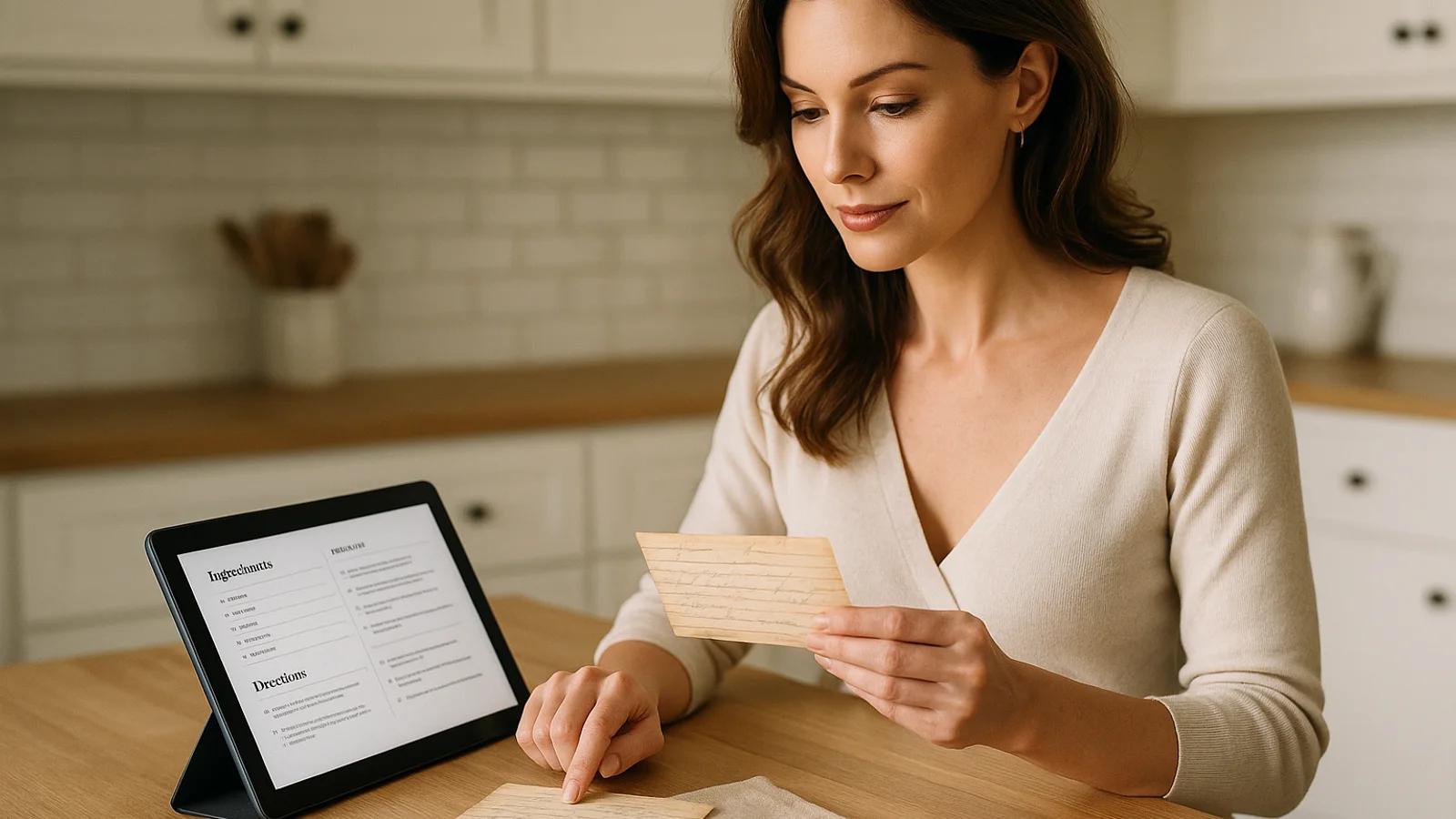
How to Digitize Handwritten Family Recipes Without Losing the Story
A complete workflow for turning handwritten recipe cards into searchable, shareable recipes while preserving the original card, notes, and family story.
Best starting point
Use the app to turn the photo into a usable recipe, then use this guide to protect the details.
Recipes We Share keeps the original card, AI-extracted ingredients, cleaned-up directions, notes, and family context together so the work does not split across camera rolls, notes apps, and spreadsheets.
In Recipes We Share
- Upload the card or cookbook page from your phone.
- Review the extracted ingredients, steps, timing, and yield.
- Save the original image beside the polished recipe card.
What this guide helps you decide
- How to photograph the card cleanly.
- Which details still need a human check.
- How to avoid losing handwriting, edits, and story.
If you have a shoebox of recipe cards, a stained church cookbook, or a binder only one person understands, the problem is not just storage. The problem is access. A recipe can technically still exist and still be unusable if nobody can read it, search it, share it, or explain the missing details.
Recipes We Share is built around the full workflow: upload the original, use AI to extract the recipe into clean fields, review the result, attach the source image, add family notes, and share it with the people who need it. That is faster than retyping everything and safer than leaving the cards as loose phone photos.
Manual care still matters. AI can help structure the recipe, but your family supplies the judgment: which version is the real one, what "bake until done" means, who made it, and why it mattered.
What digitizing should accomplish
A good digitized recipe is not only a typed ingredient list. It should give your family:
- the original card or page
- a clean recipe people can cook from
- searchable title, tags, and collections
- source details and authorship
- notes about substitutions, timing, and family variations
- a way for relatives to comment or clarify
If your workflow produces only a folder of images, you have preserved the artifact but not the recipe system. If it produces only a typed recipe, you may lose the handwriting and context that made the recipe worth saving.
Step 1: gather every source version
Start by collecting all versions of the recipe before deciding what to digitize.
A single family dish may exist as:
- the original handwritten card
- a photocopy with margin notes
- a typed version from a reunion cookbook
- a text message where someone corrected the bake time
- a photo of the finished dish
Put related sources together. This helps you decide which version should become the main recipe and which details should become notes, comments, or variations.
Step 2: photograph the original before editing anything
Capture the card exactly as it exists. Use soft light, a flat surface, and a straight overhead angle. Photograph the front, back, inserts, envelopes, and any clipped notes.
Do not erase stains, tape marks, crossed-out lines, or handwriting from another person. Those details often explain the recipe's history. Clean the image only enough to improve readability.
The original image is the receipt for the recipe. Keep it attached to the digital record.
Step 3: use AI extraction, then review like an editor
AI is useful because it removes the blank-page work. It can read the card, separate ingredients from instructions, estimate structure, and create a recipe card you can edit.
But review is essential. Check:
- ingredient quantities
- fractions and abbreviations
- oven temperature
- pan size
- yield or servings
- prep and cook time
- whether handwritten notes were interpreted correctly
- whether a title or category was guessed incorrectly
The best mindset is "AI drafts, family confirms." That keeps the workflow fast without pretending old handwritten cards are always obvious.
Step 4: add the details only family members know
Most heirloom recipes need interpretation. Cards often say things like "add enough flour," "cook until thick," or "bake until done." The original cook knew what that meant. Future cooks may not.
Add notes for:
- texture cues
- visual doneness cues
- actual timing in your oven
- ingredient brands that matter
- substitutions the family accepts
- common mistakes
- make-ahead or storage instructions
These notes make the recipe usable, not just preserved.
Step 5: decide how to handle family versions
Many families have more than one true version. One person doubles the cinnamon. Another adds pecans. Another makes a gluten-free version. If those differences are not organized, the cookbook becomes confusing.
Use one of three patterns:
One main recipe with notes: Best when variations are small.
Separate named versions: Best when the result is meaningfully different, such as "Grandma's Apple Pie" and "Aunt Linda's Apple Pie."
Comments from relatives: Best when people want to share tips without changing the official version.
The goal is clarity without flattening family history.
Step 6: organize for search from the beginning
Do not wait until you have hundreds of recipes to organize them.
Add:
- a readable title
- source person or author
- collection
- tags for holiday, meal type, or family branch
- notes for unclear details
Collections should reflect real use: Thanksgiving, Sunday dinners, weeknight favorites, recipes from Grandma, reunion desserts. If the structure mirrors family behavior, people will actually use it.
Step 7: involve relatives early
Once a recipe is digitized, share it with someone who knows it.
Ask:
- Is this the version you make?
- Is anything missing?
- What pan do you use?
- What does "done" look like?
- When did the family usually serve it?
- Who changed this recipe over time?
One answer from the right person can save future cooks years of guessing.
Manual alternatives and where they fall short
You can digitize recipes with a camera roll, notes app, spreadsheet, shared drive, or generic document scanner. Those tools can help, but they usually split the workflow:
- photos in one place
- typed recipes somewhere else
- family comments in texts
- tags in file names
- memories in someone's head
That fragmentation is why many recipe-preservation projects stall. The work feels productive at first, but the result is still hard to search, share, and maintain.
The finished recipe should be useful in the kitchen
At the end, each recipe should answer four questions:
- Can someone find it?
- Can someone cook from it?
- Can someone see the original source?
- Can someone understand the family context?
If the answer is yes, you have done more than digitize a card. You have turned a fragile family artifact into a working cookbook.
Ingredient weights mentioned in this guide
Make the scanning step easier
Use Recipes We Share to go from photo to usable recipe card
Instead of managing phone photos, manual notes, and cleanup steps in separate places, upload the recipe once and keep the original image, extracted text, and polished digital version together.
- Upload one recipe photo or a full batch from your phone
- Keep the handwritten original attached to the clean recipe
- Edit the extracted ingredients and steps in one place
On this page
Related posts
More articles in guides to keep the momentum going.
Get Your Holiday Ingredient Math Right Before the Holiday
Recipe cards say "a turkey," "a can of pumpkin," "a stick of butter" — not grams. Work out the real weights for your Thanksgiving and Christmas baking menu now, while there's still time to shop and scale with confidence.
How to Make a Printed Cookbook From Family Recipes
A practical guide to turning scattered family recipes into a real printed book — what to include, how to order it, and the mistakes that cost reprints.
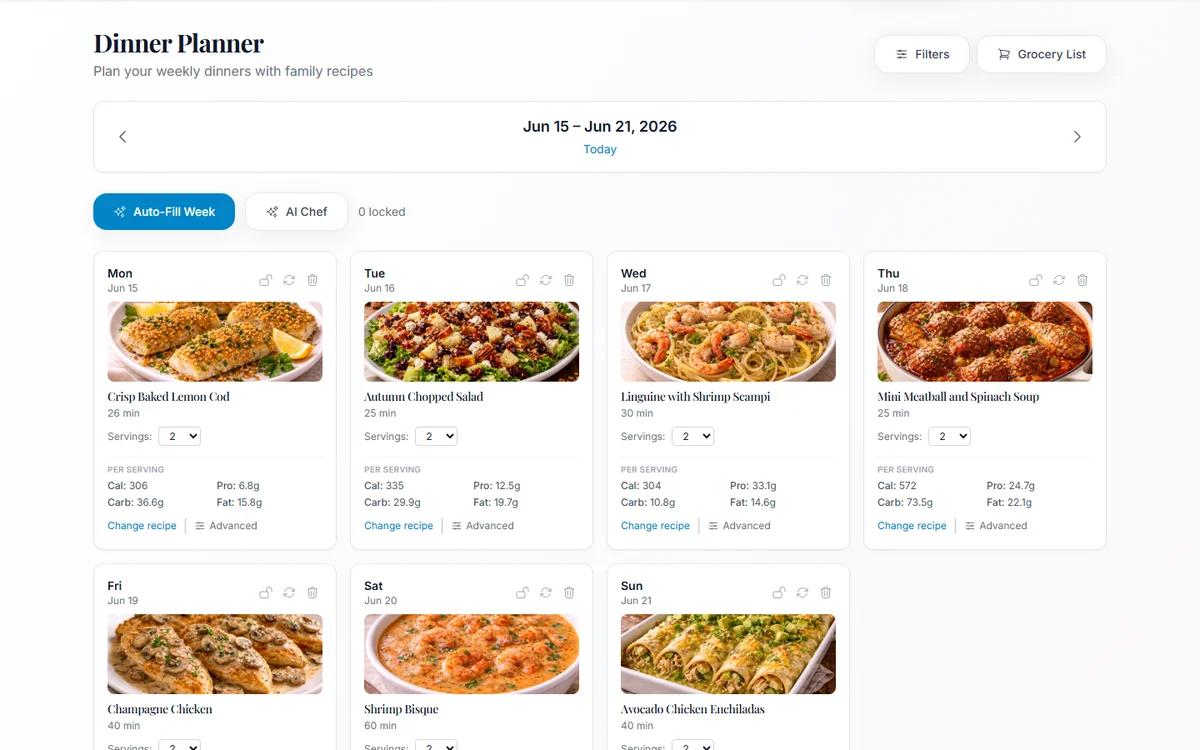
Meal Planning From Your Own Family Cookbook (Not a Stranger's Blog)
Most meal planners suggest recipes nobody in your house has agreed to eat. Planning from dishes your family already likes removes the hardest step.