Features built for shared family recipe archives
The product focuses on preserving family recipes, improving them just enough, and keeping the surrounding stories intact.
Create free account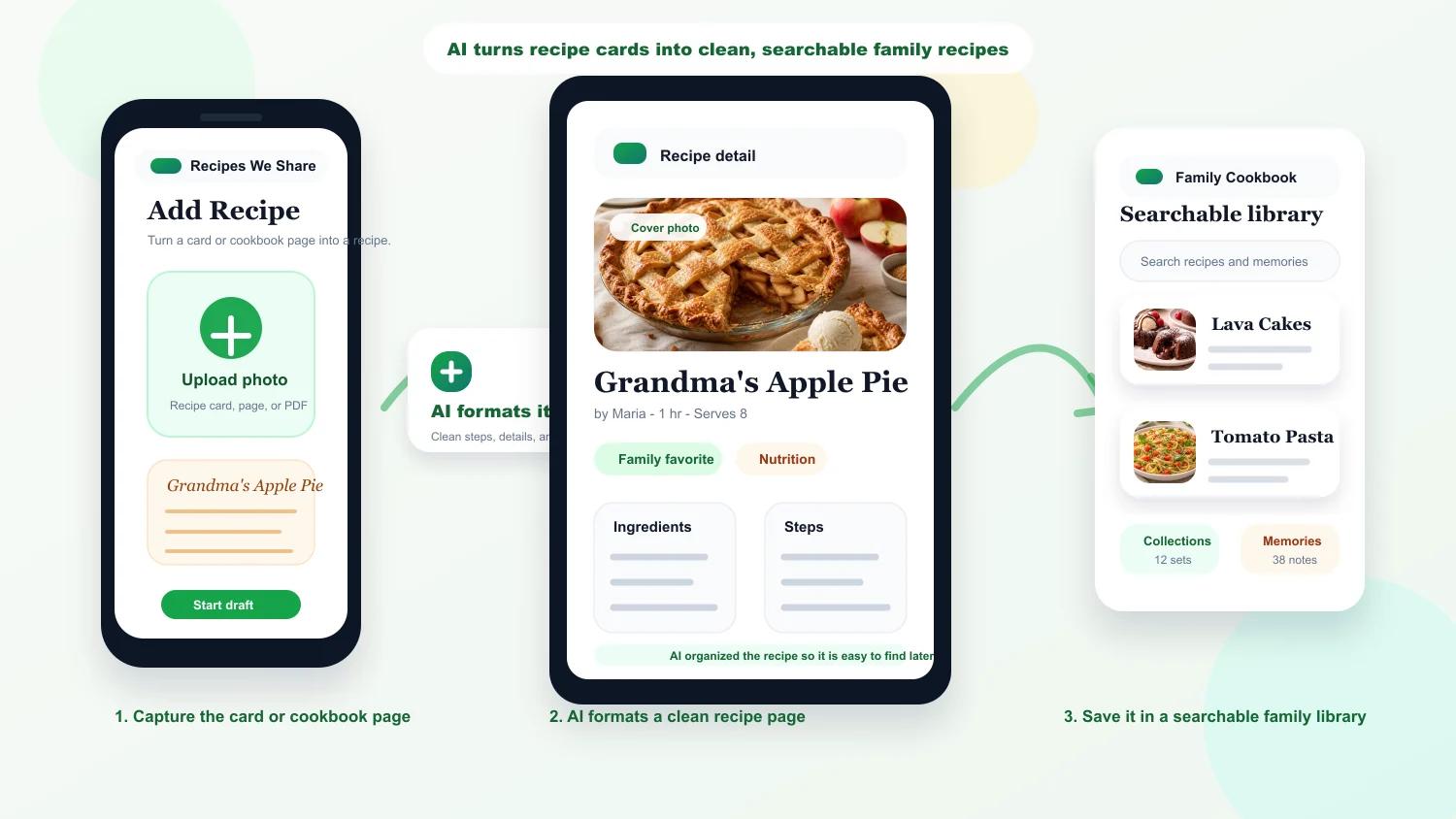
Turn cards, cookbook pages, and PDFs into editable recipes
Upload scans, photos, or PDFs from your family archive and convert them into structured recipe cards without manually retyping everything.
- Handwritten and printed recipe support
- Extracts ingredients and steps into editable fields
- Handles multi-recipe scans
- Keeps the original scan with the saved recipe
Give every saved dish a polished cover image
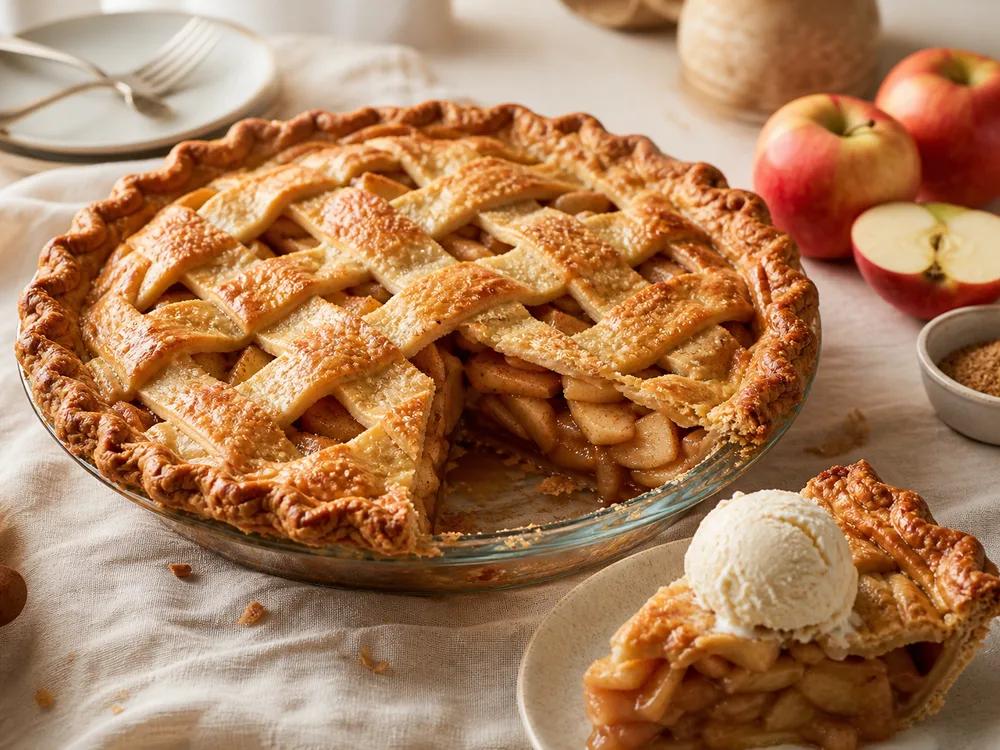
When a family recipe has no original photo, generate a clean visual so the cookbook feels complete and easy to browse.
- Automatic image generation during import
- Manual regeneration for recipe owners
- Works well for older recipes that never had photos
- Used across recipe cards and exports
Keep one shared cookbook per household
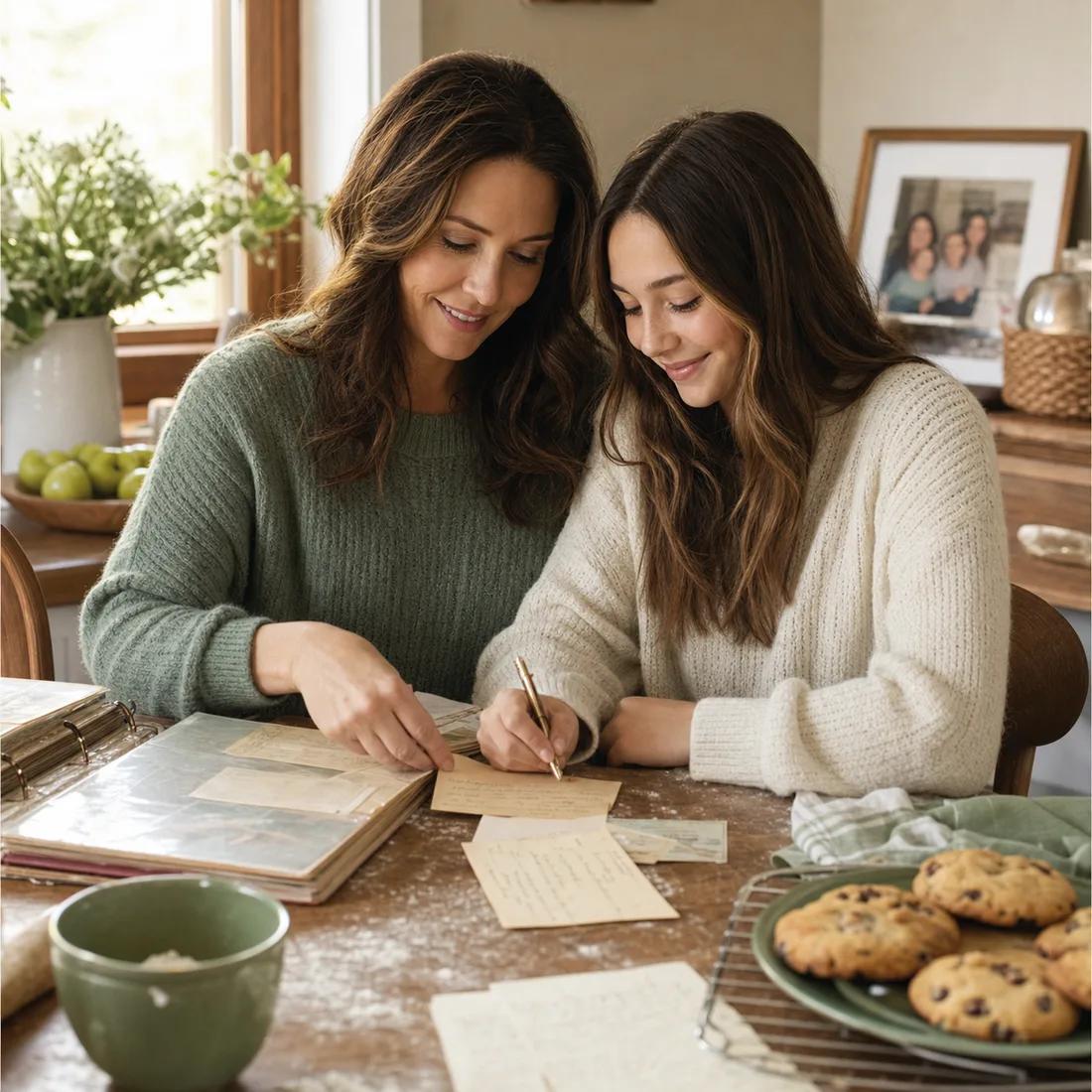
Invite family members into a shared space where recipes, notes, favorites, memories, and collections stay together.
- Each person signs in with their own account
- Household roles control access and billing
- Recipes and memories stay scoped to the household
- Clear authorship on saved recipes and notes
Turn the family cookbook into next week's dinner plan
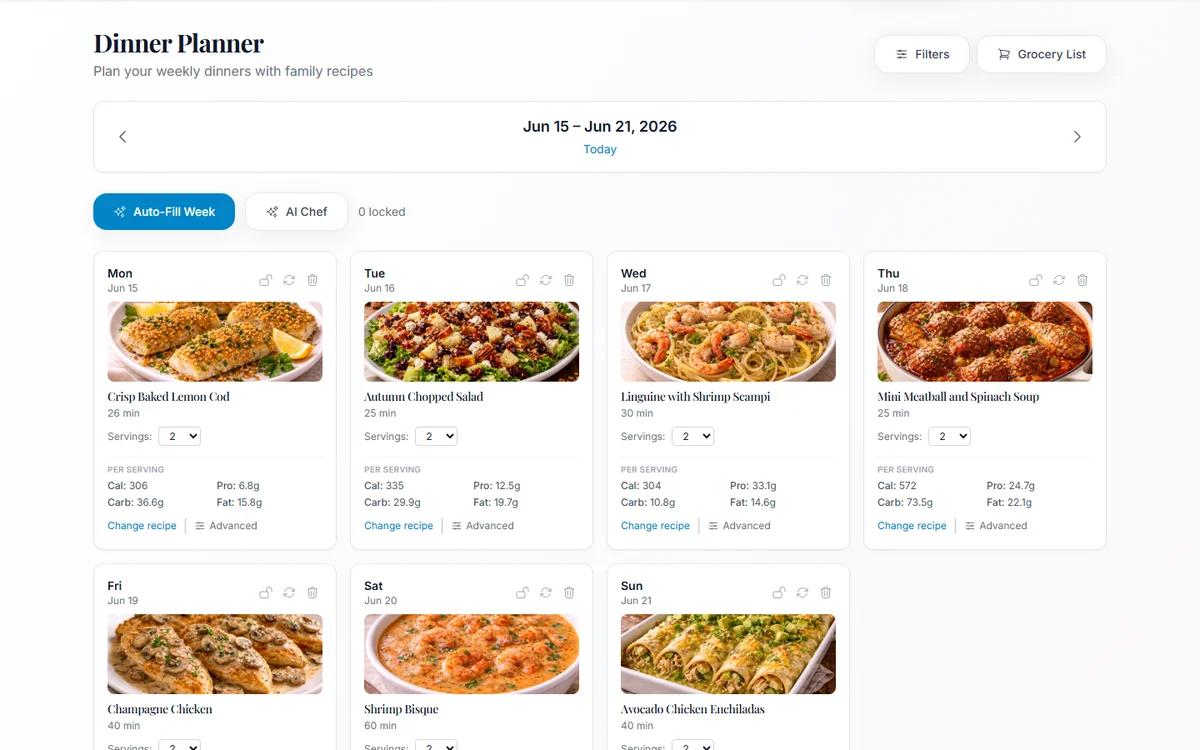
Plan dinners from saved household recipes, auto-fill open nights, swap meals, adjust servings, and keep the week connected to the recipes people already like.
- Auto-fill a dinner plan from household recipes
- Lock favorites and regenerate open nights
- Adjust servings per meal
- Use the plan to create a grocery list
Use nutrition context and shopping lists without leaving the recipe flow
Saved recipes can carry useful nutrition estimates into recipe pages and meal plans, then planned meals can become a practical grocery list.
- Calories, protein, carbs, and fat estimates
- Per-serving context for recipes and meal plans
- Nutrition-aware recipe filtering
- Grocery list generation from planned dinners
Group recipes into sets that actually match how families cook
Build collections for holiday tables, weeknight rotation, reunion menus, or the dishes a specific relative always made.
- Create unlimited themed collections on supported plans
- Add and remove recipes from a collection detail page
- Browse collections with visual previews
- Use collections to curate gift or event menus
Export a clean, printable household cookbook
Download your household recipes as a printable PDF with optional notes and photo references so the collection is easy to archive or share.
- Exports the full household cookbook
- Optional family notes in the PDF
- Optional photo references in the PDF
- Designed for home printing and digital sharing
Use it at the counter, at the store, or while scanning old binders
The app is browser-based and responsive, so the same cookbook works on phones, tablets, and desktop screens.
- Responsive layout across device sizes
- Upload directly from your phone camera or files
- Recipe pages stay readable while cooking
- No separate app required
Feature FAQ
Questions about the product workflow
These are the details families usually want before choosing a family cookbook app or recipe-digitizing workflow.
Can Recipes We Share read handwritten recipe cards?
Yes. The extraction workflow is built for handwritten recipe cards, printed pages, cookbook scans, and PDFs, then converts them into editable recipe records.
Can I organize recipes into groups for holidays or family events?
Yes. Collections let you group recipes into holiday menus, reunion favorites, weeknight staples, or recipes associated with a specific family member.
Does the app keep the original recipe image too?
Yes. The original scan or photo stays attached to the recipe so the handwritten version and the cleaned digital version live together.
Can my family share one cookbook without sharing one login?
Yes. Each household member can have their own account while still accessing the same family recipe archive inside a shared household.
Ready to preserve your family's recipes?
Start with a free account and turn the recipes sitting in drawers and binders into something the whole household can use.