Getting recipes in
Add a recipe from the starter library
Browse ready-made starter recipes and add one to the cookbook with a tap, then make it your own.
37 sec · no sound needed: every step is on screen
How it works
- A library of starter recipes, organised by course.
- One tap adds a copy to your cookbook, which you can then edit.
Step by step
- 1
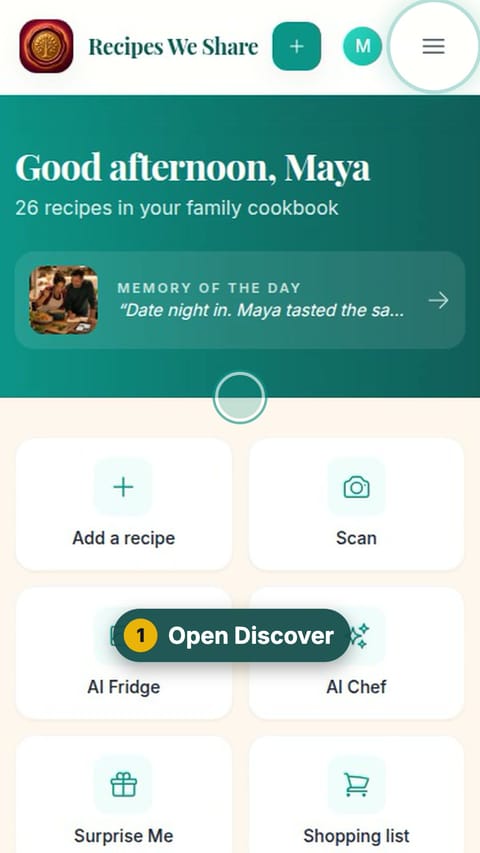
Open Discover
Open the menu and tap Discover.
- 2
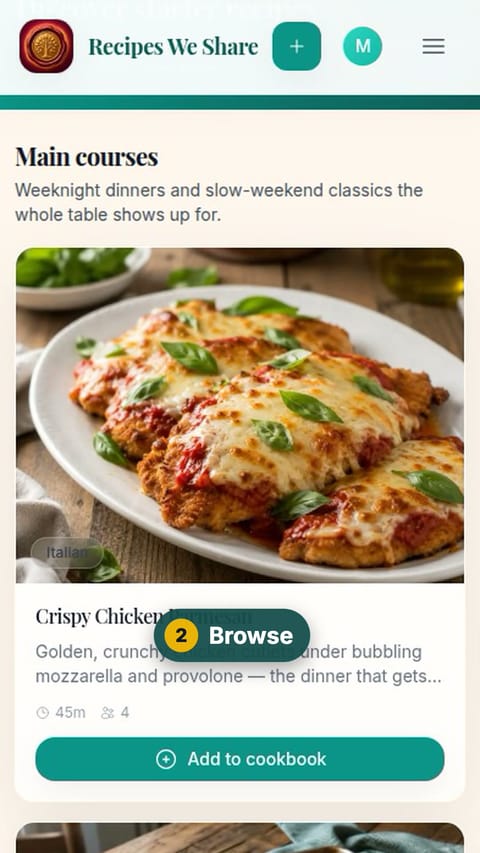
Browse
Scroll through the starter recipes, grouped by course.
- 3
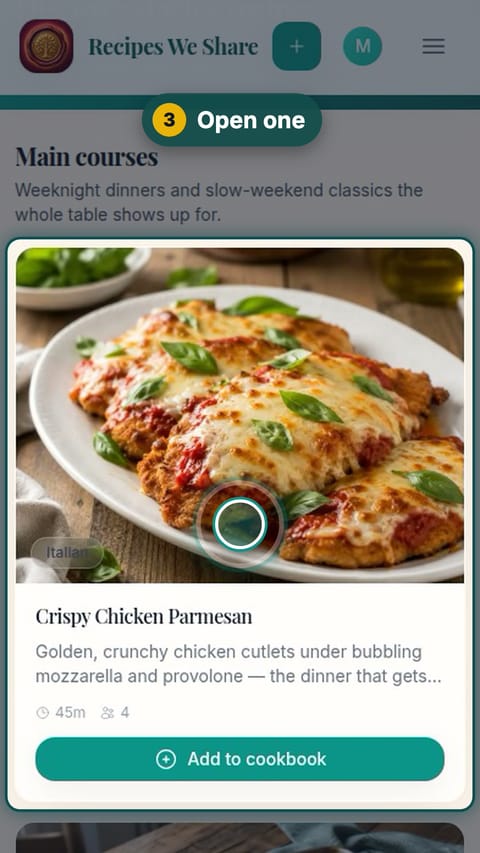
Open one
Tap a recipe to see it.
- 4
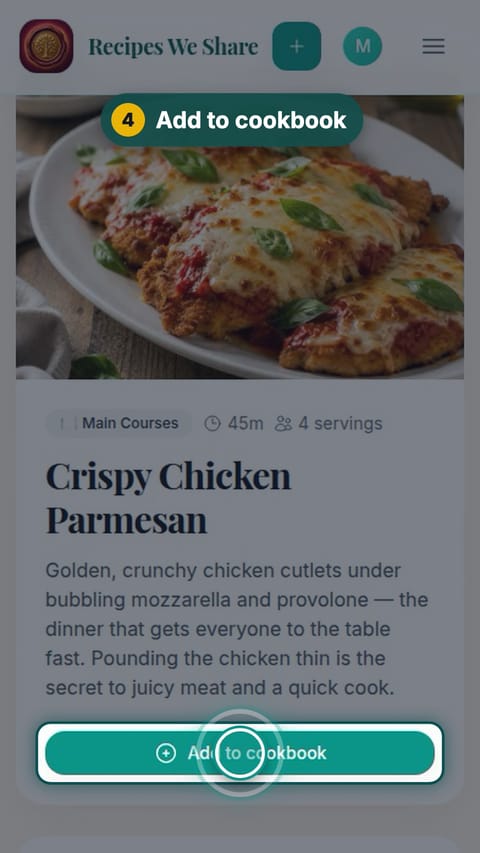
Add to cookbook
Tap Add to cookbook.
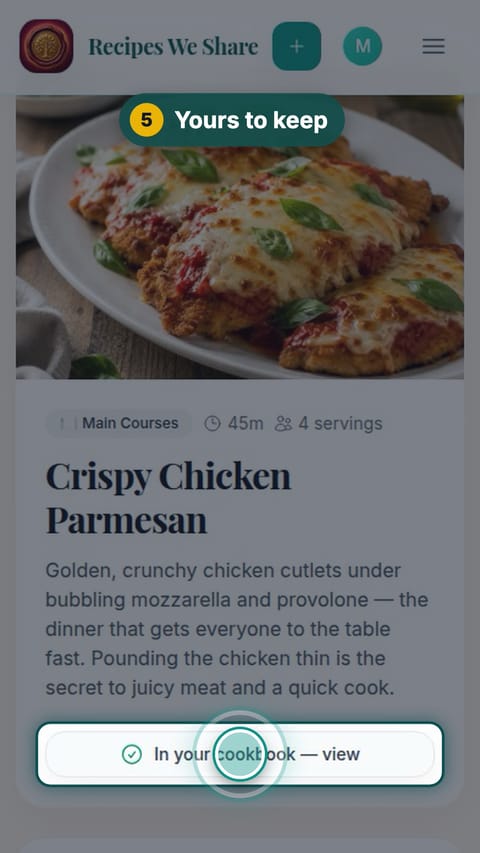
- 5
Yours to keep
Tap "In your cookbook — view" to open your own copy.
- 6
Ready for tonight
The copy is in the family cookbook, ready to cook, edit or share.
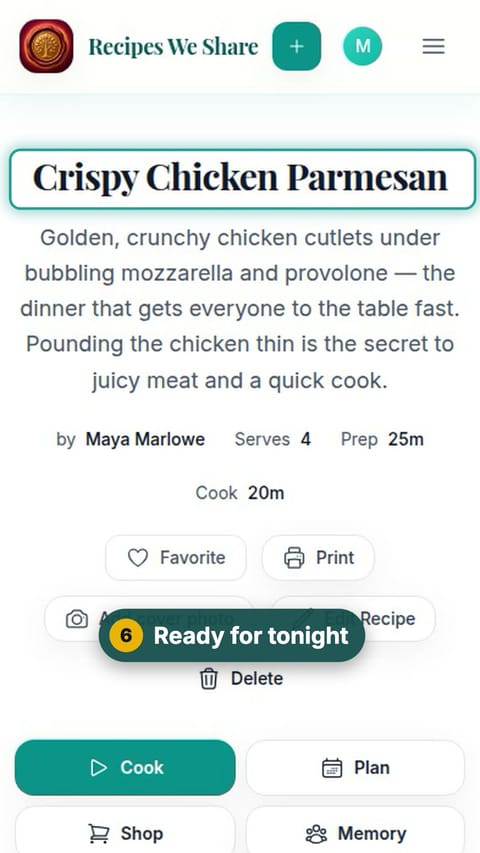
Crispy Chicken Parmesan is a copy in the family cookbook, free to edit.
More guides like this
Scan a handwritten recipe card
Photograph Nonna’s handwritten card and it becomes a typed recipe with ingredients and steps, credited to her and shared with the family.
Save a recipe from TikTok
Paste a TikTok link and the recipe in the video’s description becomes an editable recipe in your cookbook.
Import a recipe from a website
Paste a recipe blog’s link and get just the recipe: no life story, no pop-ups, no ads.
Paste a recipe someone texted you
Copy a recipe out of a text, email or note, paste it in, and it is sorted into title, ingredients and steps.
Start your family cookbook
Save the recipes your family actually cooks, from anywhere, in one place.