Browsing the cookbook
Make a collection
Group recipes into collections like Pizza Night or Holiday Table.
43 sec · no sound needed: every step is on screen
How it works
- Recipes can be grouped into shared collections.
- Collections come with the Starter, Family and Legacy plans, and with the 14-day free trial.
Step by step
- 1
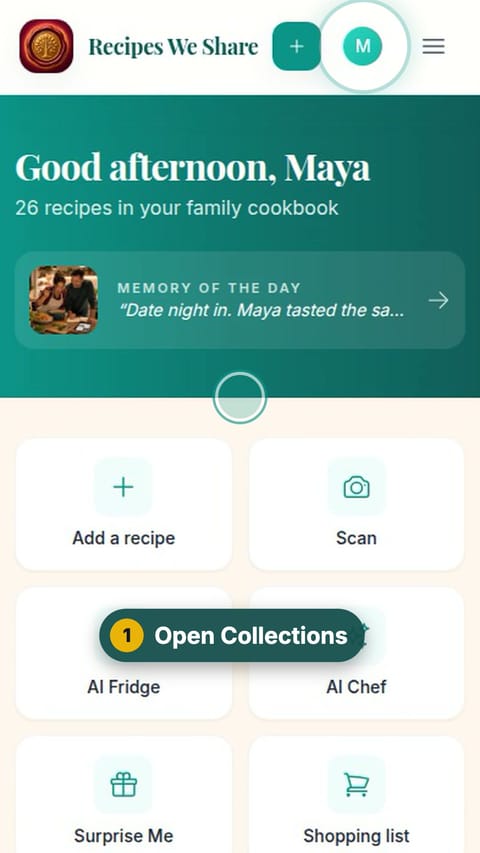
Open Collections
Tap your picture at the top, then Collections.
- 2
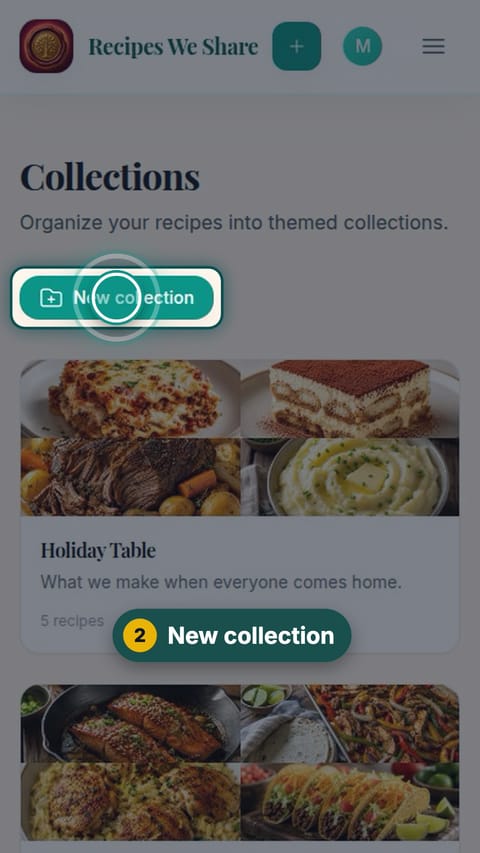
New collection
Tap New collection.
- 3
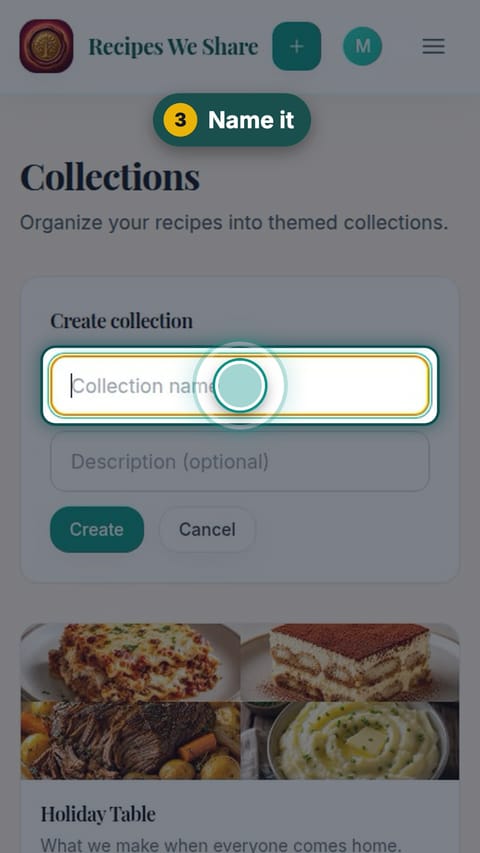
Name it
Give it a name and tap Create.
- 4
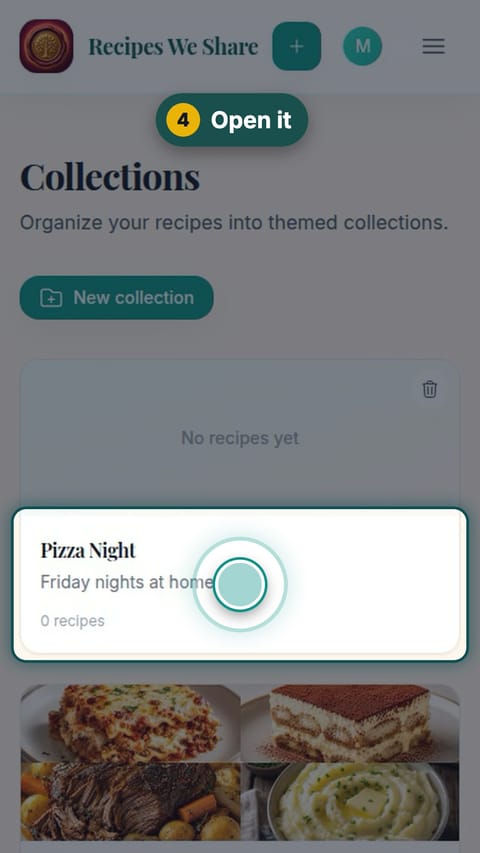
Open it
Tap the new collection to open it.
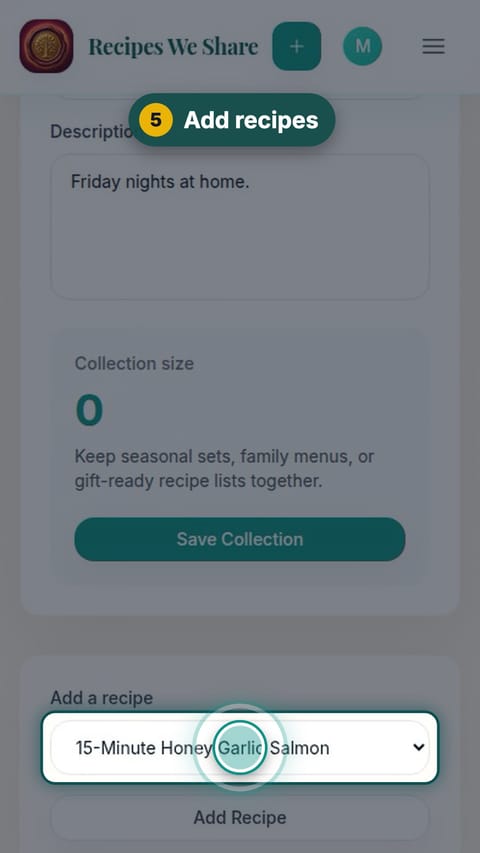
- 5
Add recipes
Pick a recipe under Add a recipe and tap Add Recipe. Repeat for each one.
- 6
Sorted
The collection is ready for the whole family.
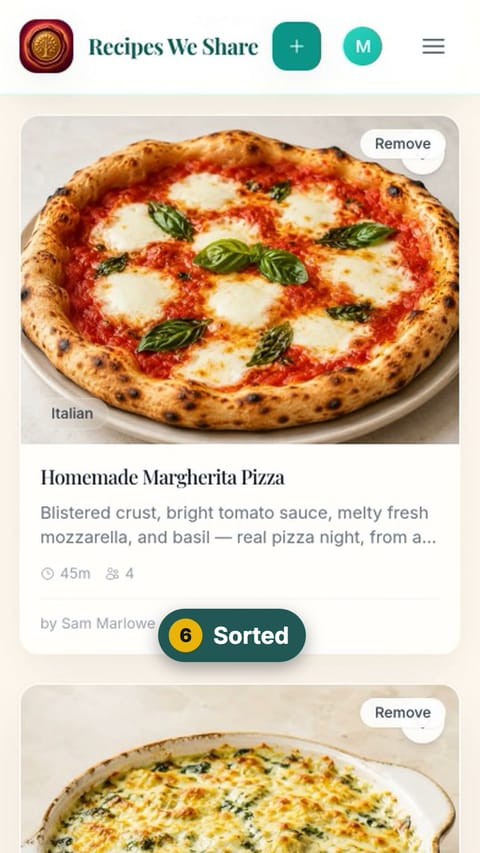
A Pizza Night collection holds the pizza and the dip.
More guides like this
Find a recipe
The whole family cookbook in one place, searchable by name or ingredient.
See every recipe from one person
Filter the cookbook by the person a recipe came from, including relatives who never use the app.
Read a recipe
A recipe page: resize the servings, see the original handwritten card, the family’s notes and memories, and the recipe’s history.
Start your family cookbook
Save the recipes your family actually cooks, from anywhere, in one place.