Browsing the cookbook
Read a recipe
A recipe page: resize the servings, see the original handwritten card, the family’s notes and memories, and the recipe’s history.
55 sec · no sound needed: every step is on screen
How it works
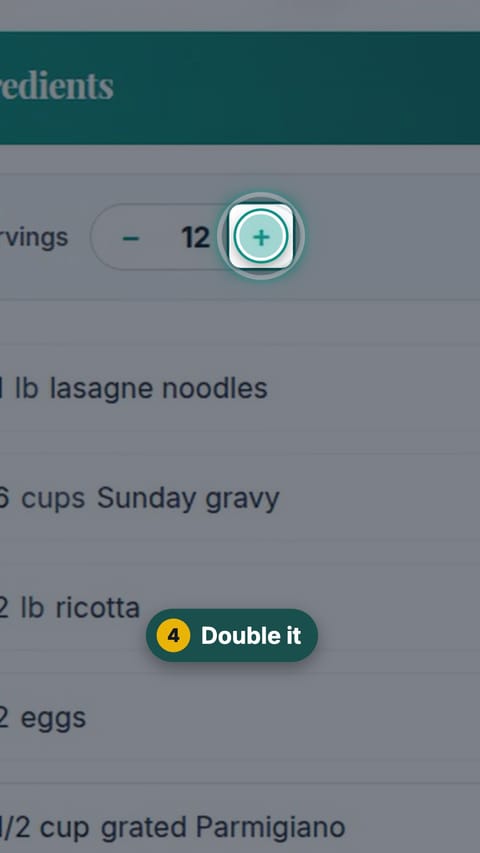
- Change the servings and every ingredient amount updates.
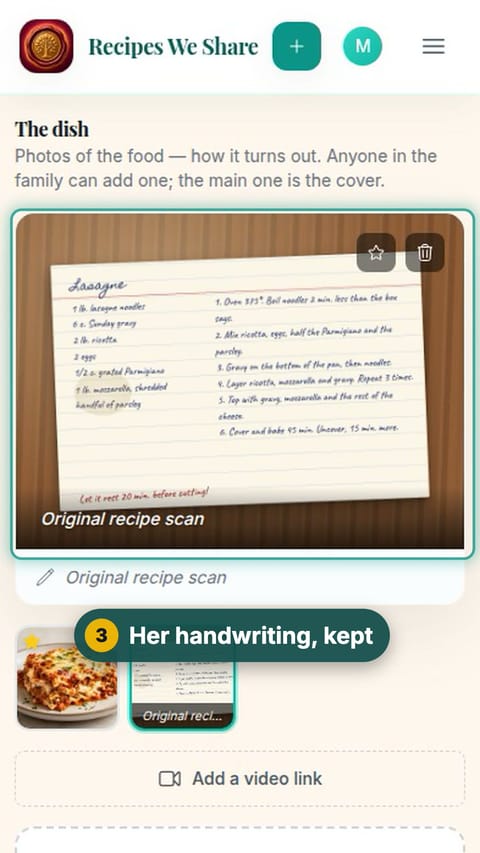
- The photo of the original handwritten card stays with the recipe.
- Family members can leave notes and add memories on each recipe.
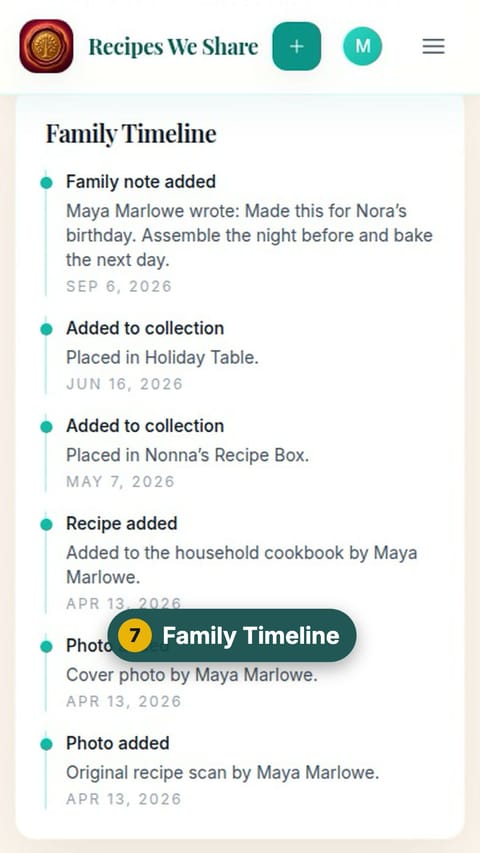
- The Family Timeline shows the recipe’s history in the family.
Step by step
- 1
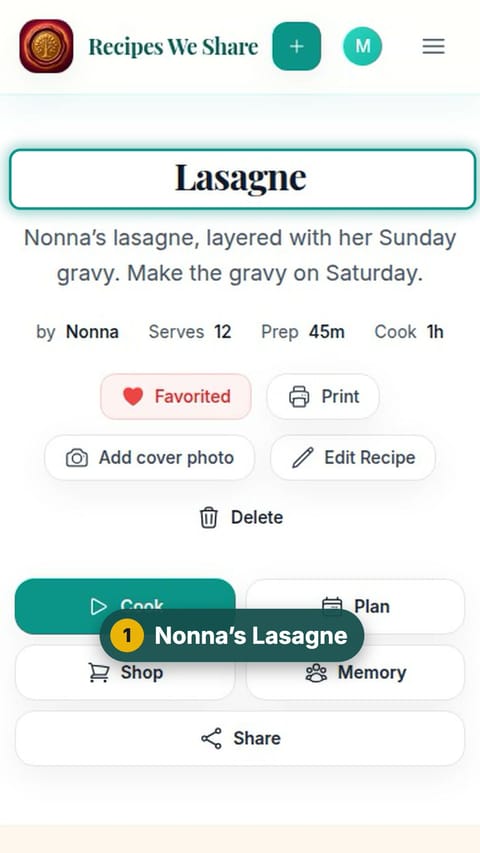
Nonna’s Lasagne
Open any recipe in the cookbook.
- 2
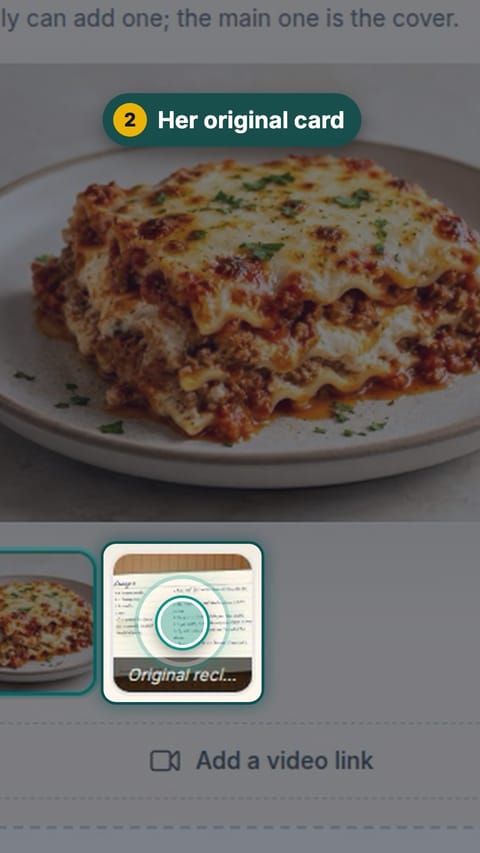
Her original card
Scroll to the photos and tap the original recipe scan.
- 3
Her handwriting, kept
The photo of the handwritten card stays with the recipe.
- 4
Double it
Tap + or − next to Servings. Every amount updates.
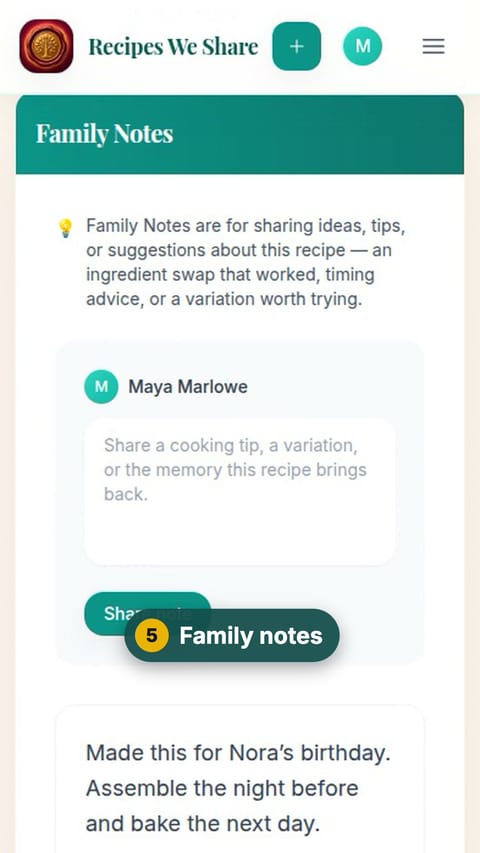
- 5
Family notes
Scroll to Family Notes for tips from the family.
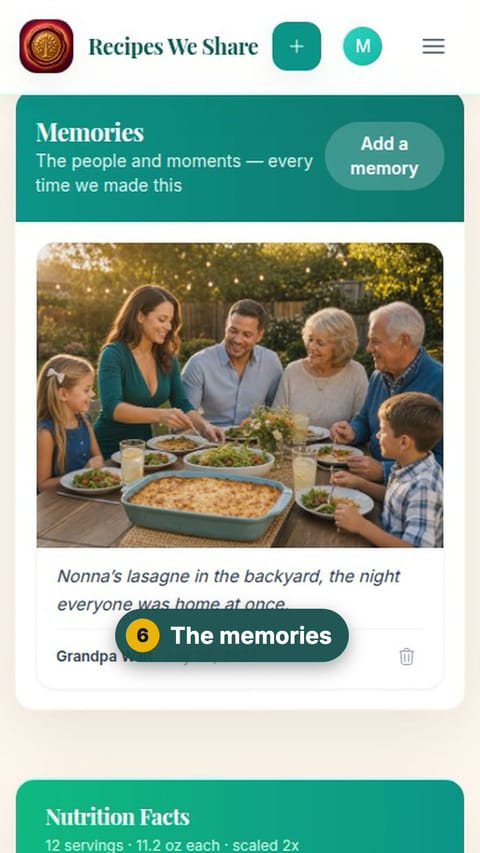
- 6
The memories
Keep scrolling to the Memories: photos and stories from the times it was made.
- 7
Family Timeline
At the bottom, the Family Timeline shows the recipe’s history.
The recipe is doubled to 24 servings, and every part of the page has been shown.
More guides like this
Start your family cookbook
Save the recipes your family actually cooks, from anywhere, in one place.