Getting started
Create your family cookbook
Sign up free and start the family cookbook with the first recipe you want to save.
40 sec · no sound needed: every step is on screen
How it works
- Creating an account is free.
- After signing up, choose where your first recipe is: a card, TikTok, a website, or a text.
Step by step
- 1
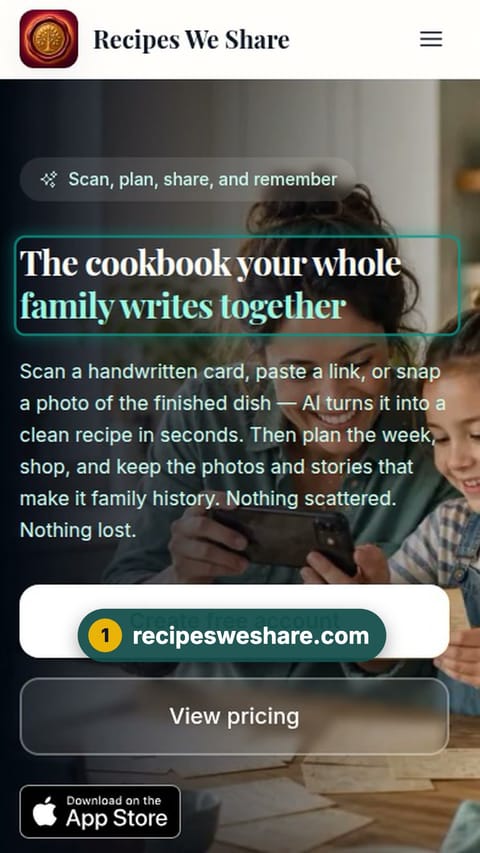
recipesweshare.com
Go to recipesweshare.com.
- 2
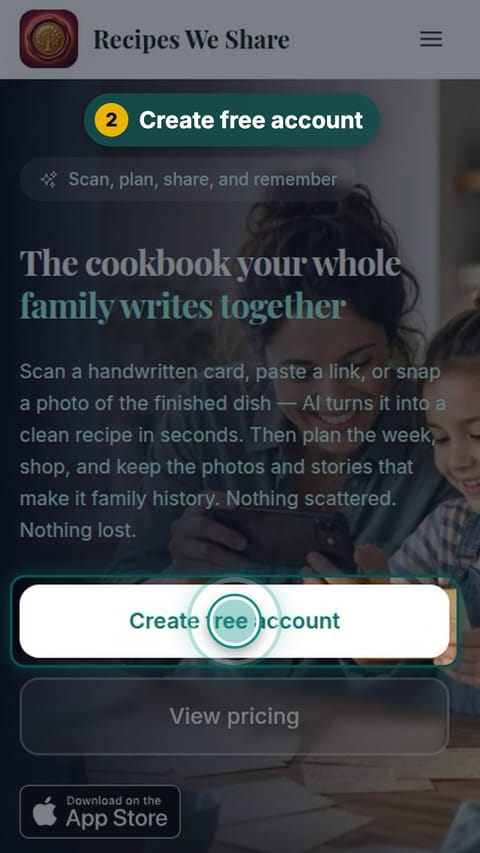
Create free account
Tap Create free account.
- 3
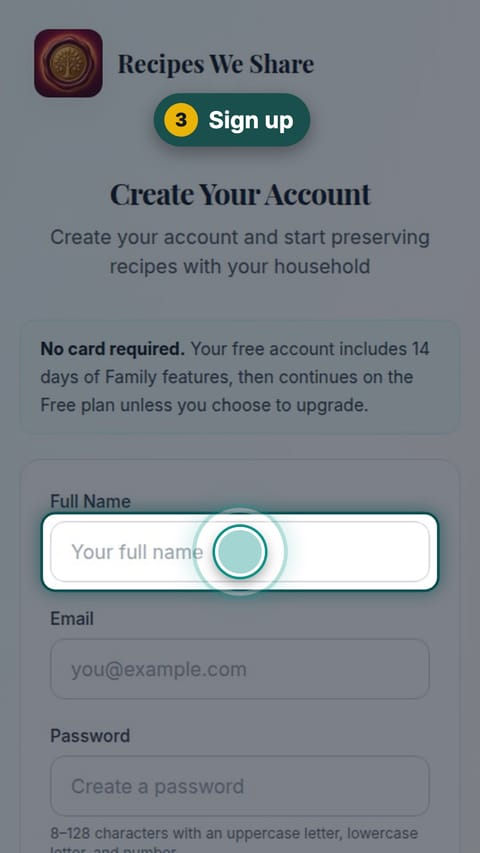
Sign up
Enter your name, email and a password.
- 4
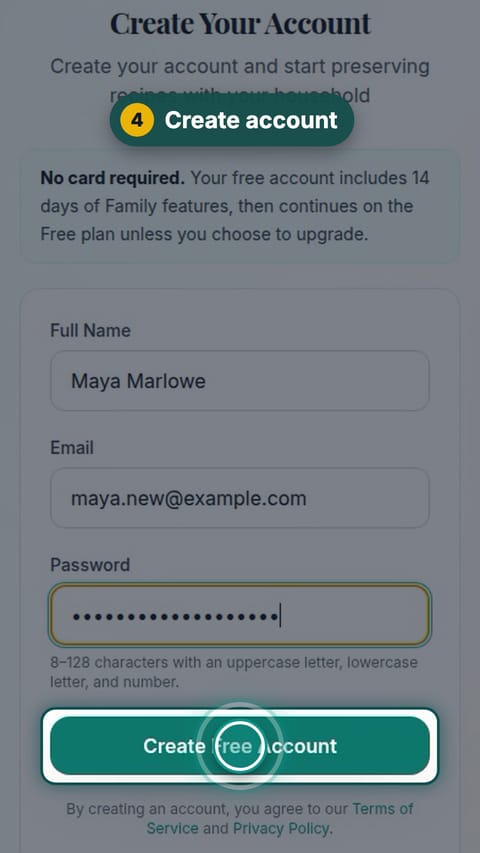
Create account
Tap Create Free Account.
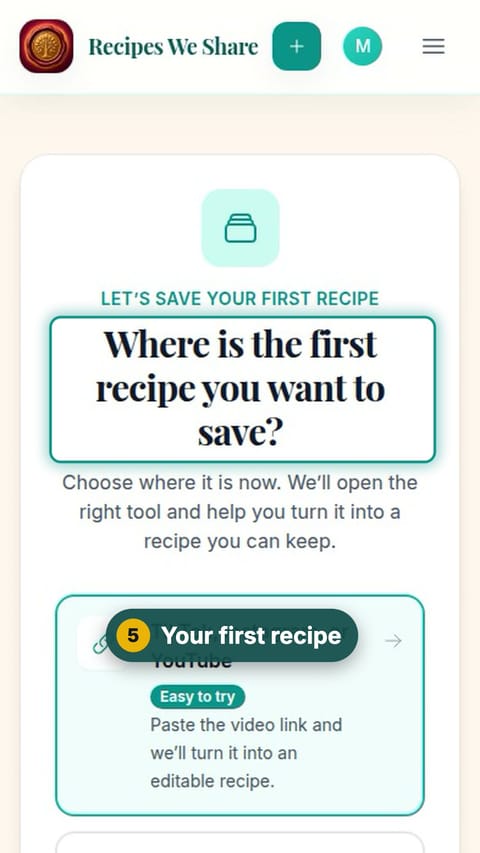
- 5
Your first recipe
Choose where the first recipe you want to save is right now.
- 6
Scan your first card
Tap "An old recipe card or cookbook page" to go straight to the scanner.
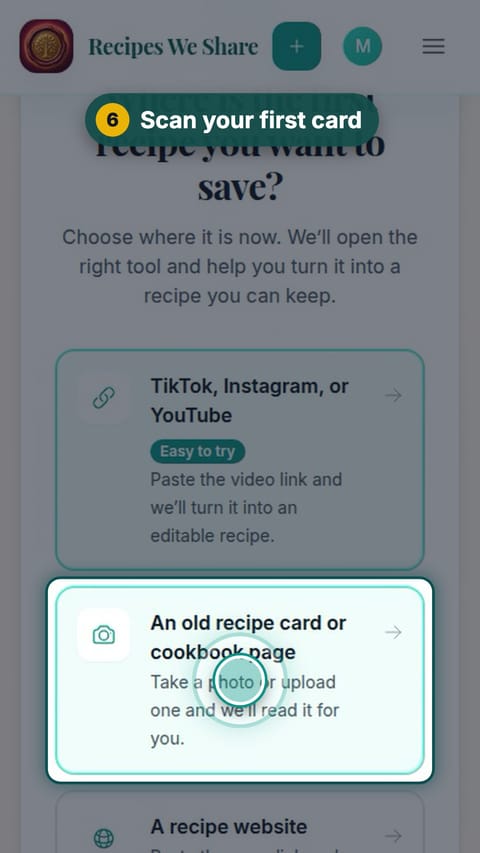
A new account, a new family cookbook, and the scanner open for the first recipe card.
Start your family cookbook
Save the recipes your family actually cooks, from anywhere, in one place.