Cooking and planning
Shop for a recipe
Send a recipe’s ingredients to the family’s shared shopping list, then check items off in the store.
32 sec · no sound needed: every step is on screen
How it works
- One tap adds a recipe’s ingredients to the shopping list.
- The shopping list is shared with the household.
- Check items off as you shop, and add anything else by hand.
Step by step
- 1
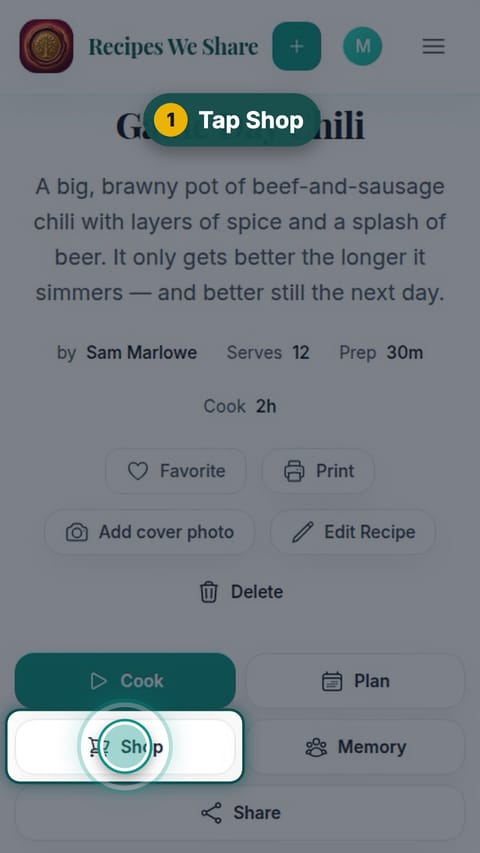
Tap Shop
On the recipe, tap Shop.
- 2
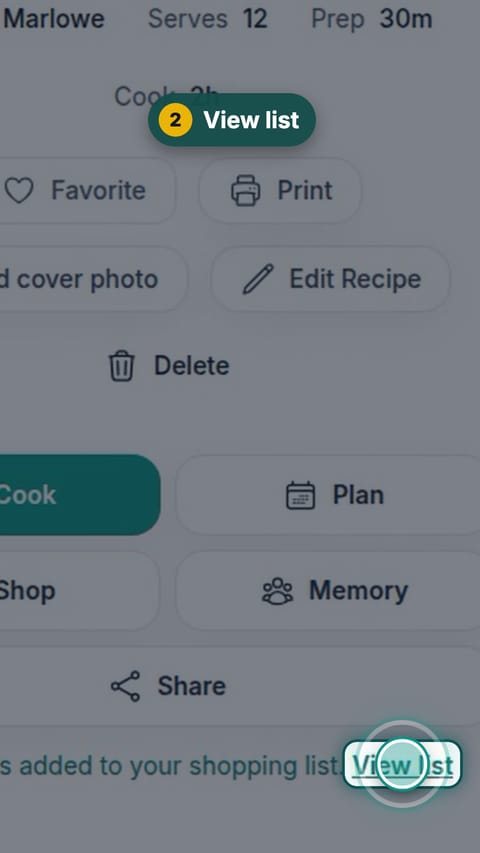
View list
Tap View list.
- 3
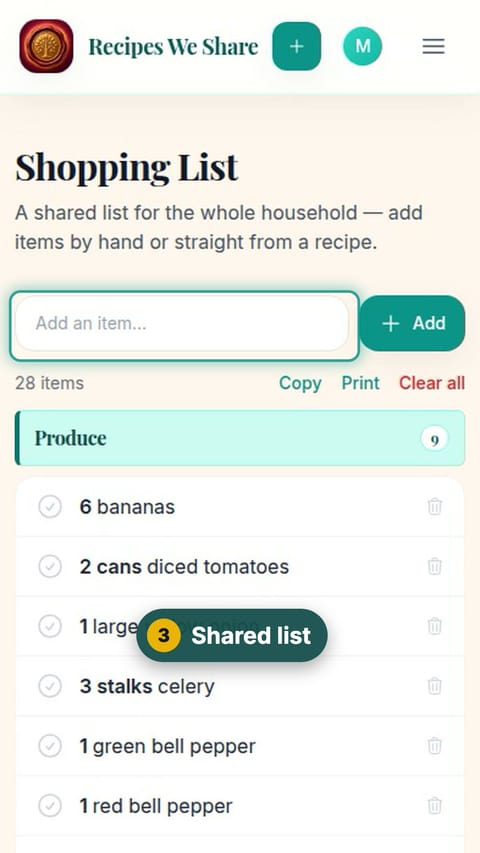
Shared list
The whole household shares one list.
- 4
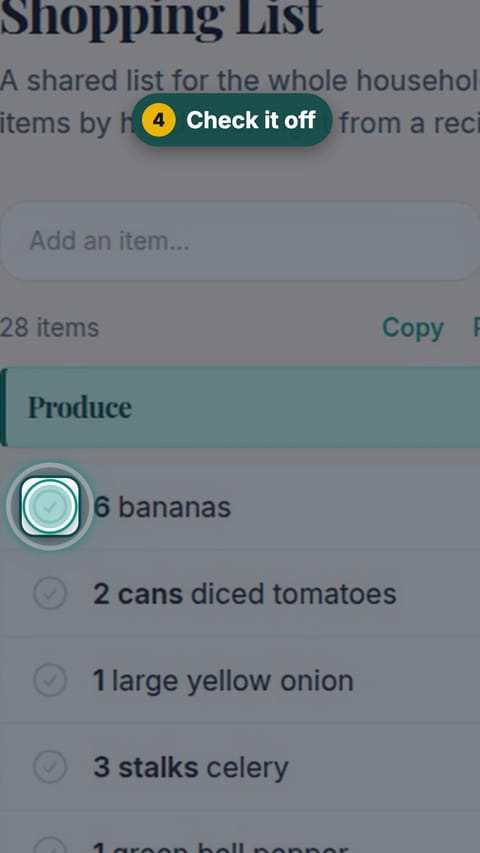
Check it off
Tap an item to check it off as it goes in the cart.
- 5
Add an item
Type anything else you need and tap Add.
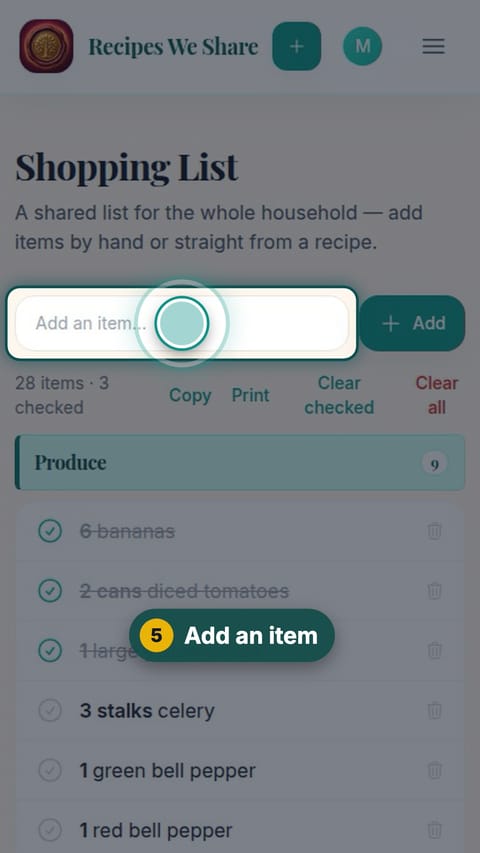
The chili ingredients are on the shared list and being checked off.
More guides like this
Cook a recipe step by step
Cook mode shows one big step at a time, with the amounts written into each step, built-in timers, and a checklist.
Plan the week’s dinners
Put the family’s own recipes on the week’s dinner calendar, lock the ones to keep, fill the rest in one tap, and get one combined grocery list.
Start your family cookbook
Save the recipes your family actually cooks, from anywhere, in one place.