How to Photograph a Handwritten Recipe Card So It Scans Right
A short, testable checklist for a clean recipe card photo: the five habits that cause a misread, what to do instead, and a 10-second check before you move on to the next card.
Best starting point
Use Recipes We Share for the working system, then use this guide to make better decisions.
The strongest archive combines product workflow with family judgment: the app handles structure, search, sharing, and AI assistance while your family adds context no tool can invent.
In Recipes We Share
- Capture the original recipe and create a clean version.
- Organize it so relatives can find and use it.
- Add memories, comments, and versions as the recipe evolves.
What this guide helps you decide
- What to prioritize first.
- Where manual judgment matters.
- How to avoid a system your family will abandon.
A recipe card does not usually fail to read because the handwriting is old. It fails because of something that happened in the ten seconds before the photo was taken — and every one of those ten seconds is fixable without buying anything.
A reader does not remember cursive the way a grandchild does. It works from the pixels you hand it, and a photo with a bent corner, a stripe of glare, or a cropped-off fraction gives it less to work with than the card actually has. Fix the photo and you fix most of what people blame on "bad handwriting."
The five things that cause a misread
1. Light from one side only. A lamp or window off to one side throws a shadow across half the card and a streak of glare across the other half. Faded pencil disappears into the shadow; dark ink disappears into the glare. Light the card from the front, ideally from an overcast window or a room with light coming from more than one direction, and skip the flash — a flash is a light from one side, up close.
2. A tilted angle. Holding the phone at an angle instead of straight overhead stretches one edge of the card and compresses the other, so a column of numbers that was perfectly straight on the card arrives bent in the photo. Hold the phone flat, parallel to the card, directly above it. If your camera shows a grid, line the card up with it.
3. A card that is not flat. Decades in a box curl the edges and corners. A curl casts its own small shadow right where a line of text sits, which is a different failure from the first one above because it comes from the card itself, not the room. Press the card flat — under a heavy book for a minute works — before you shoot, or weigh the far edge down with something just outside the frame.
4. Cropping to "the important part." Trimming the photo to just the ingredient list is how the first digit of a quantity, a fraction, or a note squeezed into the margin gets left out of the frame entirely. A reader cannot guess a number that was never photographed. Leave a visible border of table or counter around all four sides of the card.
5. Only the front. A correction taped over an old line, a second recipe jotted on the back, or a note about whose recipe it really is — all of that lives on the side nobody photographs. If the back has anything on it, photograph it the same way, right after the front.
The 10-second check before you move on
- Can you read the faintest line on the card without zooming in on your phone's screen?
- Is there a visible border on all four sides, with nothing cut off?
- Does the card look rectangular in the photo, not stretched into a trapezoid?
- Is the light even across the whole card, with no bright streak or dark band?
- Did you photograph the back, if it has anything on it?
Five yeses and the card is ready. If something is still off, it is faster to retake the one photo now than to fix a wrong ingredient later.
See it work on your own card
Try it free on one of your own cards — no account, no cost. Photograph a card using the five fixes above, and you will see it typed into an editable recipe in seconds. Every photo we read is also checked again the next day by a second, more careful pass, which is part of how misreads keep getting rarer — but the habits above are what keep your card out of that pile in the first place.
If one line still comes back wrong, it is usually a single word, not the whole card — an old abbreviation that is easy to misread, like a cursive "tsp" that looks like "tbsp." Fix that line in the result before you save it. The original photo stays attached next to the clean recipe, so the actual card is always there to check against.
Once it is typed up
Save it with the original photo attached, and it joins the rest of your family's shared cookbook instead of a camera roll. If the card calls for an old-fashioned measurement, the ingredient conversions in the atlas turn it into cups and grams so nobody has to guess what a "teacup of flour" meant.
Ingredient weights mentioned in this guide
Put the process into practice
Use Recipes We Share to save the recipe and the story around it
The platform is designed for the full workflow these articles describe: capture the original recipe, refine it into a clean version, save the notes and memory behind it, and share it with family in one place.
- Preserve the original image and the cleaned recipe together
- Attach memories, notes, and context while the details are still available
- Share the finished recipe with family instead of passing it around manually
Newer post
You're at the newest article.
On this page
Related posts
More articles in guides to keep the momentum going.
Get Your Holiday Ingredient Math Right Before the Holiday
Recipe cards say "a turkey," "a can of pumpkin," "a stick of butter" — not grams. Work out the real weights for your Thanksgiving and Christmas baking menu now, while there's still time to shop and scale with confidence.

How to Make a Printed Cookbook From Family Recipes
A practical guide to turning scattered family recipes into a real printed book — what to include, how to order it, and the mistakes that cost reprints.
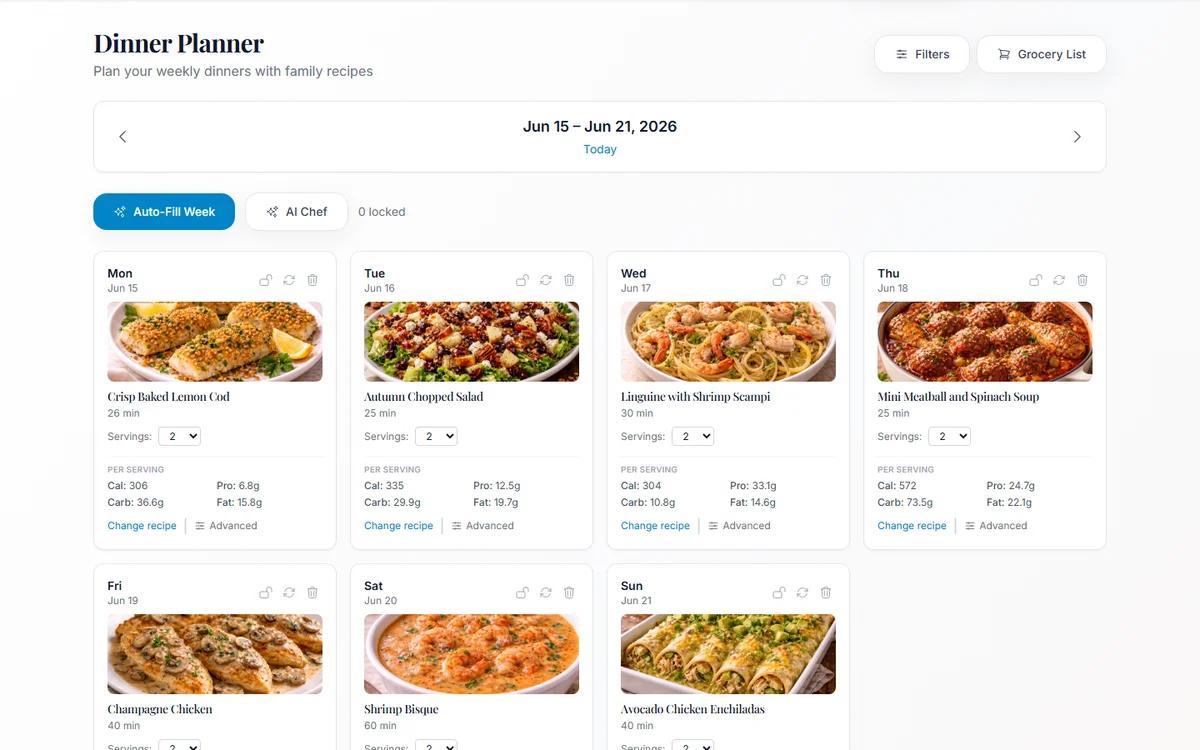
Meal Planning From Your Own Family Cookbook (Not a Stranger's Blog)
Most meal planners suggest recipes nobody in your house has agreed to eat. Planning from dishes your family already likes removes the hardest step.