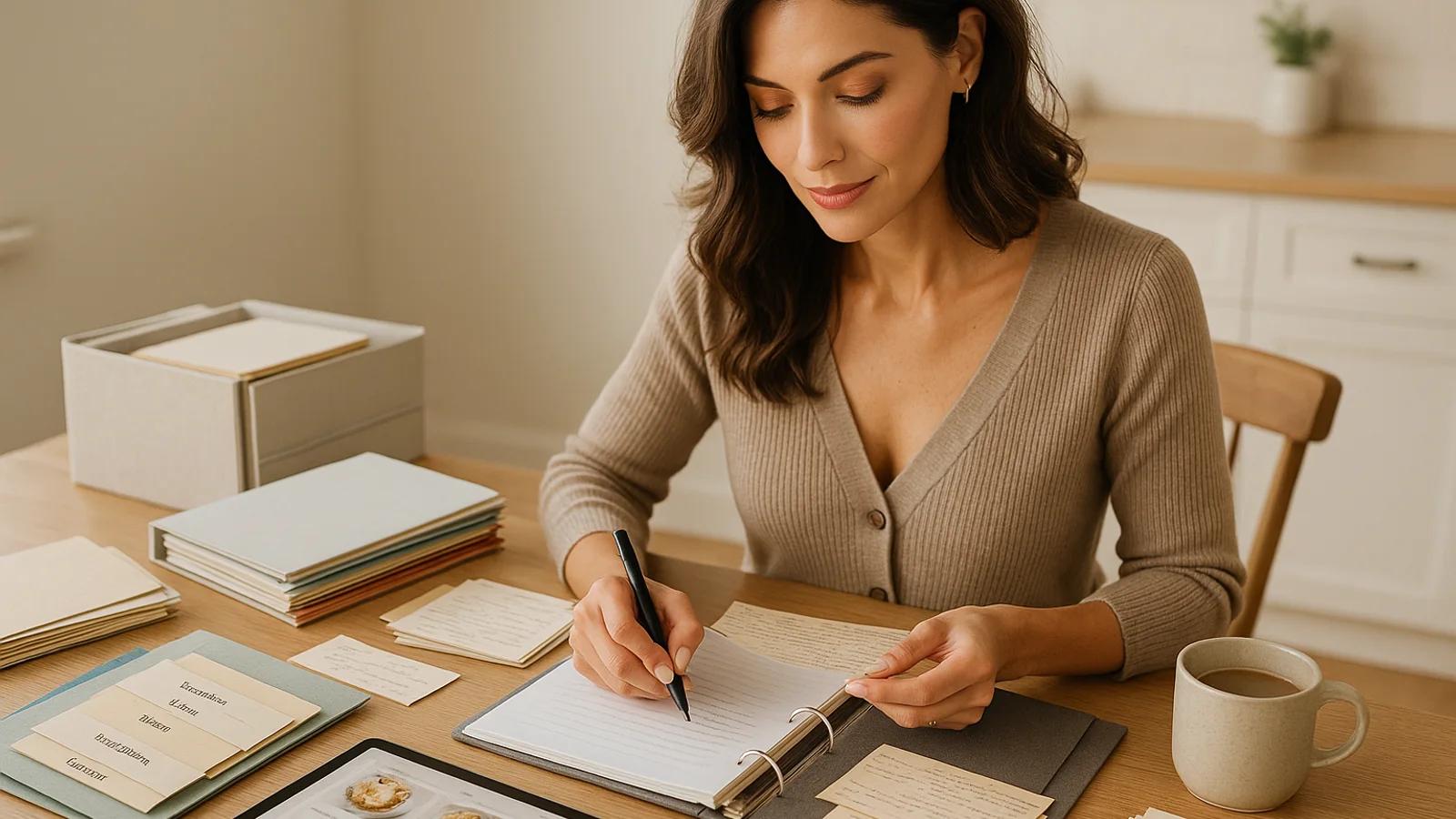
How to Organize Your Family Cookbook in a Weekend
A realistic weekend plan for turning scattered recipe cards, photos, texts, and binders into a searchable family cookbook your household can use.
Best starting point
Build the cookbook structure in the app, then use this guide to keep it easy to maintain.
Collections, search, recipe photos, tags, memories, and clean recipe cards work together so relatives can find what they need without learning a private filing system.
In Recipes We Share
- Create collections for holidays, weeknights, family branches, or people.
- Use consistent recipe names and a small repeatable tag set.
- Attach original images and notes to the recipe entry, not a separate folder.
What this guide helps you decide
- How to choose the first recipes to organize.
- How to name recipes so another person can find them.
- When to use collections, tags, notes, or comments.
Organizing a family cookbook feels overwhelming because the materials are never in one format. There are handwritten cards, screenshots, text messages, church cookbooks, loose clippings, scanned PDFs, and recipes that live mostly in one person's memory.
The point of a weekend project is not to finish every recipe. It is to create a working system: a shared cookbook in Recipes We Share, a first set of high-value recipes, simple collections, and a naming pattern your family can keep using.
By Sunday night, the archive should feel usable. Someone should be able to open the cookbook, find the correct version of a favorite dish, see the original source, and know what still needs follow-up.
Friday night: choose the first win
Do not start with "organize everything." Start with a narrow, visible outcome.
A good weekend target is:
- 20 to 30 must-save recipes
- one holiday or family-event collection
- one source pile, such as a recipe box, binder, or camera-roll album
- a short list of questions to ask relatives later
This gives the project boundaries. Without boundaries, families spend the whole weekend sorting and never create a usable cookbook.
Saturday morning: sort by value, not category
Before you digitize anything, make three piles.
Must-save favorites: The dishes people ask for, request at holidays, or would be upset to lose.
Occasion recipes: Thanksgiving sides, reunion desserts, birthday cakes, Sunday dinners, or church potluck staples.
Later review: Interesting recipes that belong in the archive eventually but do not need to slow down the first pass.
This first sort should be fast. You are not deciding every tag yet. You are deciding which recipes deserve immediate preservation.
Saturday afternoon: create the cookbook structure
Open Recipes We Share and create the first structure before you upload everything. That structure should match how the family actually looks for recipes.
Useful starter collections:
- Holiday favorites
- Weeknight dinners
- Baking and desserts
- Recipes from Grandma
- Summer cookout
- Comfort food
- Recipes to clarify
Collections should answer real questions: "What do we make at Thanksgiving?" "What did Grandma always bake?" "What can I cook this week?" If a collection does not help someone find or use a recipe, skip it.
Use titles another person can search
The fastest way to ruin a recipe archive is inconsistent naming. A pie saved as "Mom's Pie," "Pecan Pie," and "Thanksgiving Pie from Lisa" may make sense to the person who added it, but it creates duplicates and weak search for everyone else.
Use a readable pattern:
- person or source when it matters
- clear dish name
- variation only when needed
Good examples:
Grandma Anne's Pecan PieAunt Linda's Thanksgiving StuffingMom's Weeknight ChiliApple Pie - Gluten-Free Version
Avoid titles that only make sense to one household, like Good one, Old card, Holiday thing, or Dad recipe.
Keep tags small and repeatable
Tags are retrieval tools, not decoration. A small set of tags used consistently is more valuable than dozens of one-off labels.
Start with tags for:
- meal type: dinner, dessert, breakfast
- occasion: Thanksgiving, Christmas, reunion
- person: Grandma Anne, Aunt Linda, Dad
- practical needs: freezer-friendly, make-ahead, kid-friendly
- dietary details only when useful: gluten-free, vegetarian, dairy-free
If a tag will only be used once, consider whether it belongs in a note instead.
Digitize the highest-value recipes first
For each must-save recipe:
- Photograph or scan the original card or page.
- Upload it into Recipes We Share.
- Review the extracted title, ingredients, steps, timing, and yield.
- Attach the original image to the recipe.
- Add the right collection, tags, source person, and notes.
Do not let perfection stop progress. A usable first version with a follow-up note is better than a card that sits unscanned because one detail is unclear.
Capture follow-up questions as part of the system
Some recipes will need clarification. That is normal. The mistake is leaving those questions in your head.
Use notes or comments for questions like:
- "Ask Aunt Lisa which apples she uses."
- "Confirm pan size for lasagna."
- "Retake the cookie card in better light."
- "Find out who brought this casserole to reunions."
- "Check whether the doubled filling is the current family version."
Questions are not clutter when they are attached to the recipe. They are the roadmap for improving the archive.
Sunday afternoon: make maintenance easy
The system will only last if future additions are simple.
Set a family rule:
- every new recipe gets a readable title
- every recipe keeps the original photo if one exists
- every recipe goes into at least one collection
- holiday recipes get the holiday tag
- unclear recipes get a follow-up note instead of waiting for perfection
This rule matters more than perfect taxonomy. It keeps the archive from sliding back into a pile of files.
What success looks like by Sunday night
A successful weekend does not mean every recipe is finished. It means:
- the most important recipes are preserved
- original images and clean recipe cards are connected
- recipes have names another person can search
- collections reflect real family use
- follow-up questions are visible
- relatives can access the cookbook instead of depending on one person's files
That is the standard worth aiming for. Once the archive has structure, adding the next recipe is straightforward. Without structure, even the best intentions turn into another pile.
Turn organization into a system
Use Recipes We Share to organize recipes without building your own filing system
The easiest archive to maintain is the one your family will still use six months from now. Recipes We Share gives you collections, tags, search, memories, and recipe images without forcing you into a spreadsheet-and-folder workflow.
- Group recipes into collections like holidays, brunch, or family favorites
- Use tags and search so people can actually find what they need
- Keep notes, photos, and the final recipe in the same record
On this page
Related posts
More articles in guides to keep the momentum going.
Get Your Holiday Ingredient Math Right Before the Holiday
Recipe cards say "a turkey," "a can of pumpkin," "a stick of butter" — not grams. Work out the real weights for your Thanksgiving and Christmas baking menu now, while there's still time to shop and scale with confidence.
How to Make a Printed Cookbook From Family Recipes
A practical guide to turning scattered family recipes into a real printed book — what to include, how to order it, and the mistakes that cost reprints.
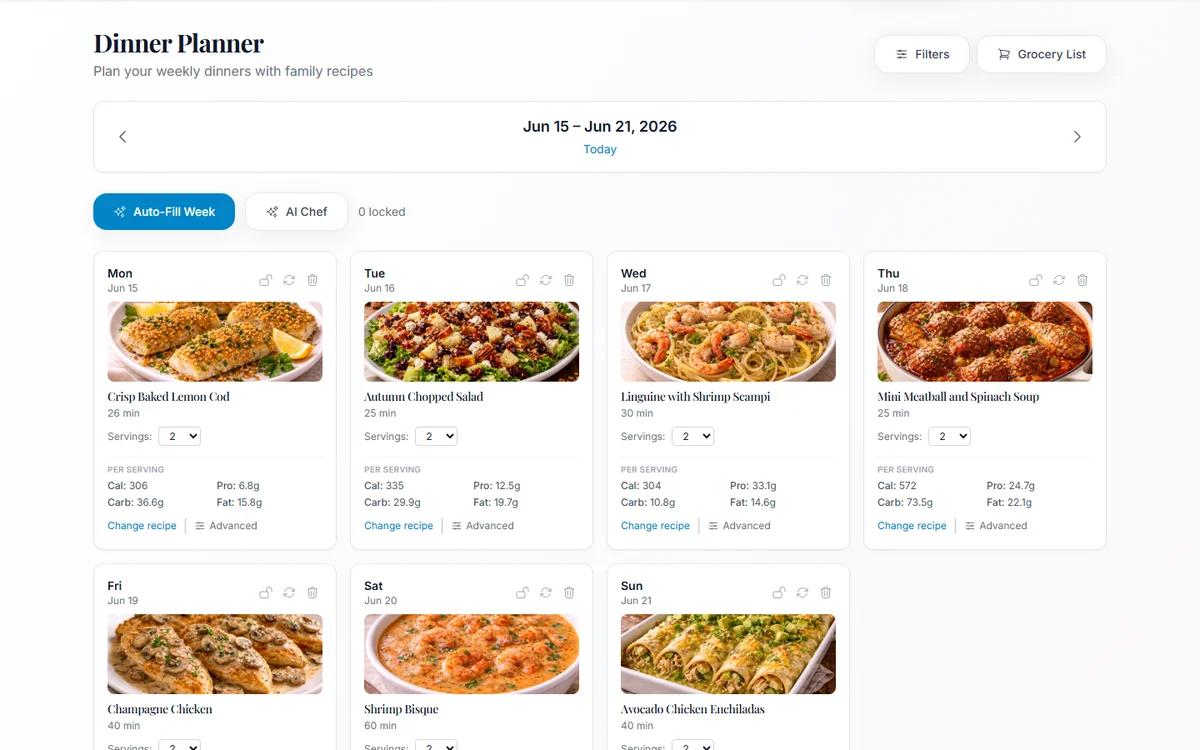
Meal Planning From Your Own Family Cookbook (Not a Stranger's Blog)
Most meal planners suggest recipes nobody in your house has agreed to eat. Planning from dishes your family already likes removes the hardest step.